CHAPTER 2
Questions? Call
Customer Service.
See page 87.
▼ ▼
Setting Up
Your Monitor
Setting Up Your
Optium Xceed Monitor
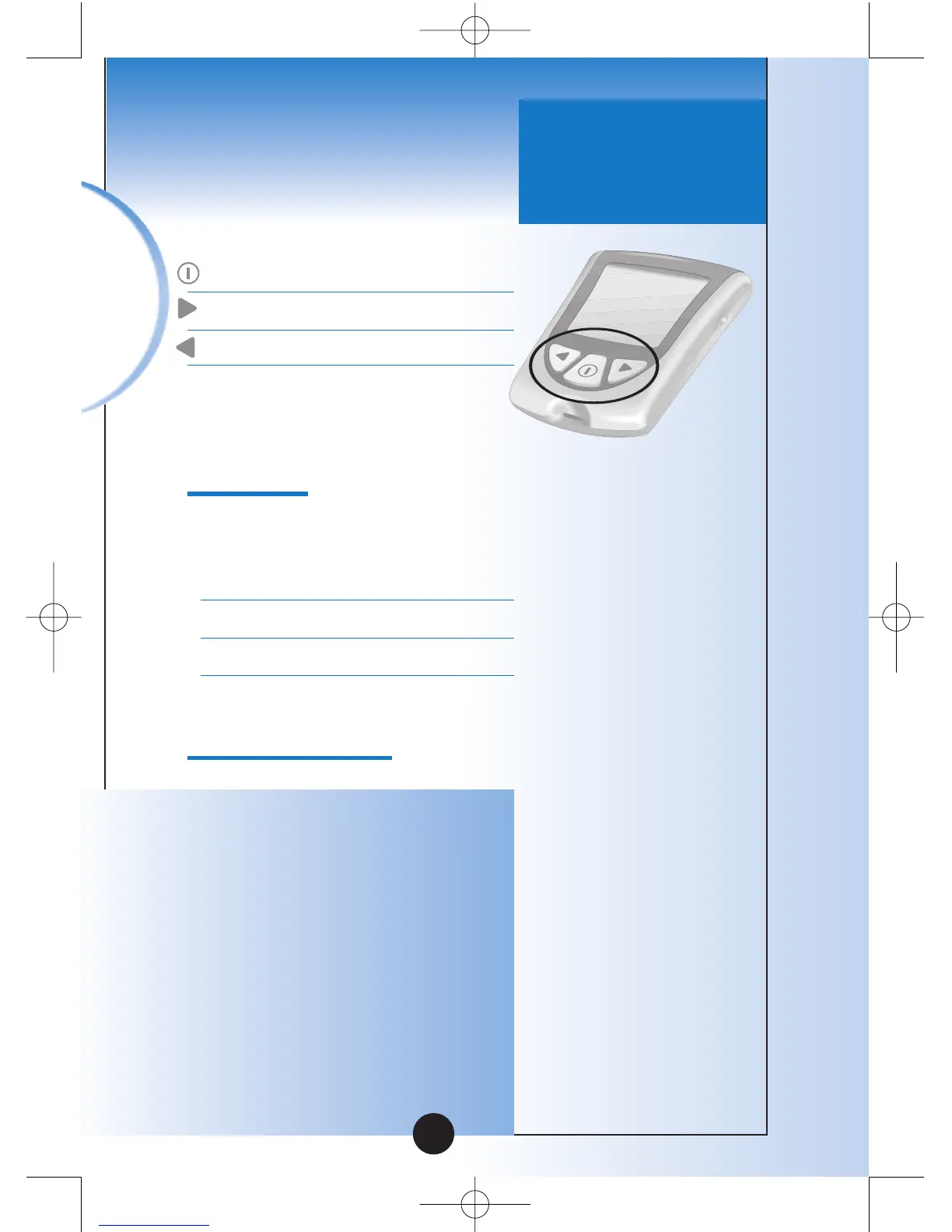
Buttons to Use
Mode Button
Forward Button
Back Button
Setup Options
Set Beeper
If the beeper is set ON, it will
beep when:
•The calibrator is fully inserted
•The test countdown star
ts
•The test countdown finishes
Set Time, Set Date
Important: Set the correct
time and date before you use
the monitor for the first time.
This will help you keep records
of when you monitor and will
help you and your healthcare
professional make informed
decisions about your care.
You must set the time and
date to review averages.
9



 To Next Page