70
Reviewing Results
1
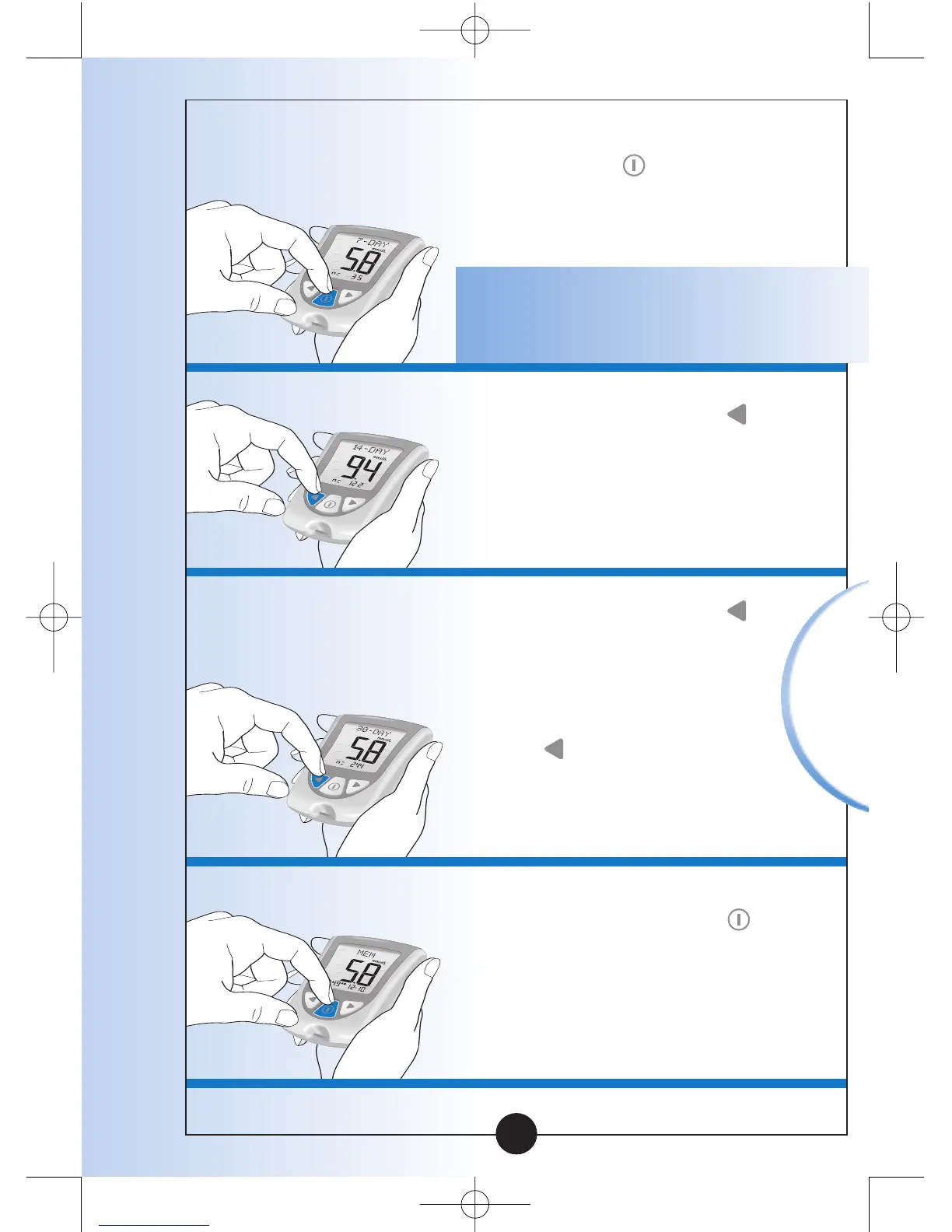
While in Memory, Press and
Release the button at any
time to see the 7-Day
average of your blood
glucose results.
Note: n means how many tests
were performed within the
7-, 14-, or 30-Day average period.
2
Press and Release the
button once to see the
14-Day average of your
blood glucose results.
3
Press and Release the
button again to see the
30-Day average of your
blood glucose results. If
you Press and Release
the button again, the
display window shows the
7-Day average.
4
Press and Release the
button at any time to return
to Memory.


 To Next Page