16
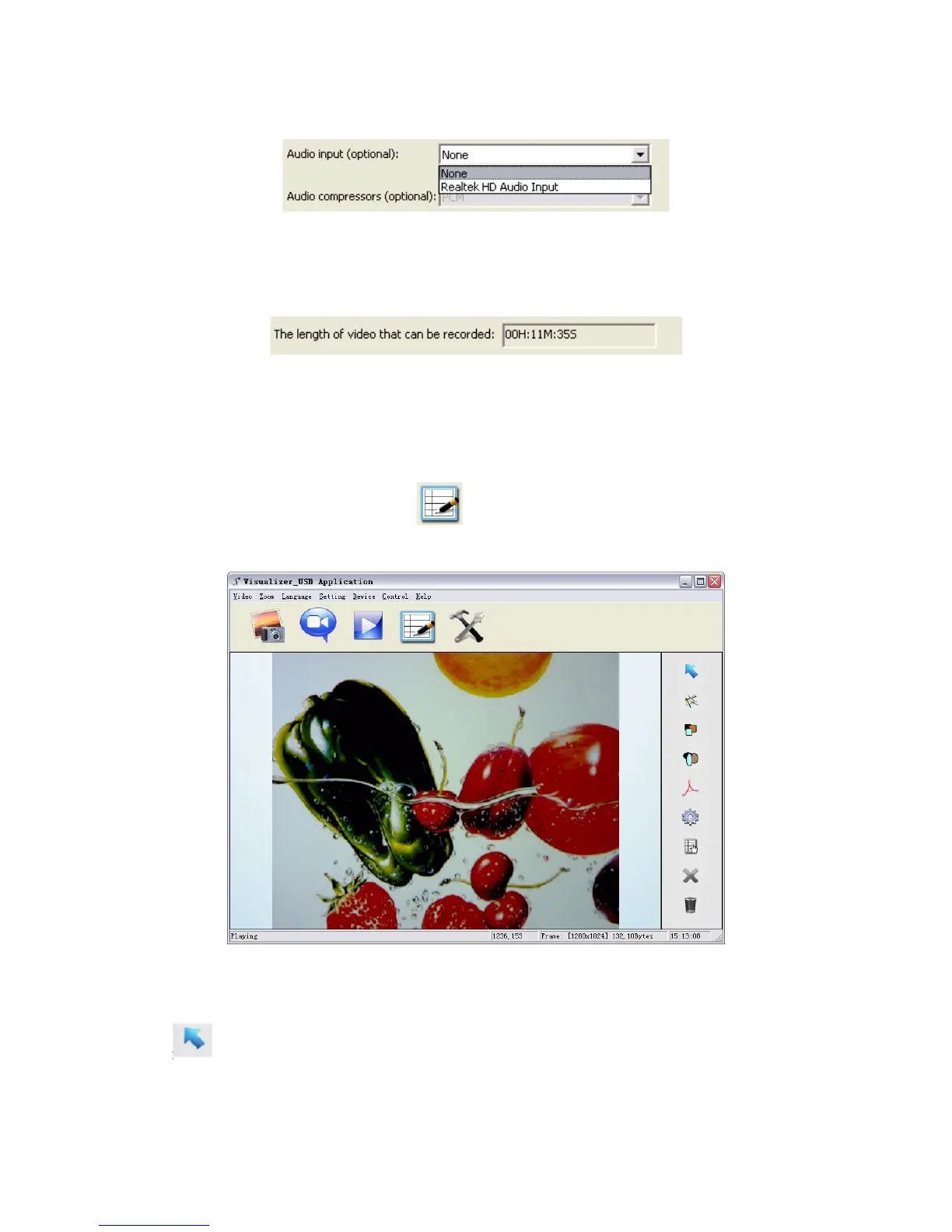
the options of recording video with or without sound as shown below:
“The length of video that can be recorded” box displays the longest recording time for
videos to be saved in the preset path as shown below:
Click “save” to complete setting.
IMAGE MODIFICATIONS
To b egi n im a ge m o dif ic a tio n s , c lic k icon.
Select Graphic and Move
icon allows you to select and move lines, circles, etc to a different position within
the image.



 To Next Page