2
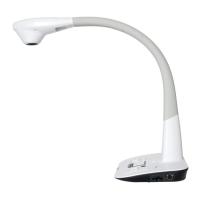
Please read this manual carefully before operating the document camera and keep it for
reference.
PRECAUTIONS
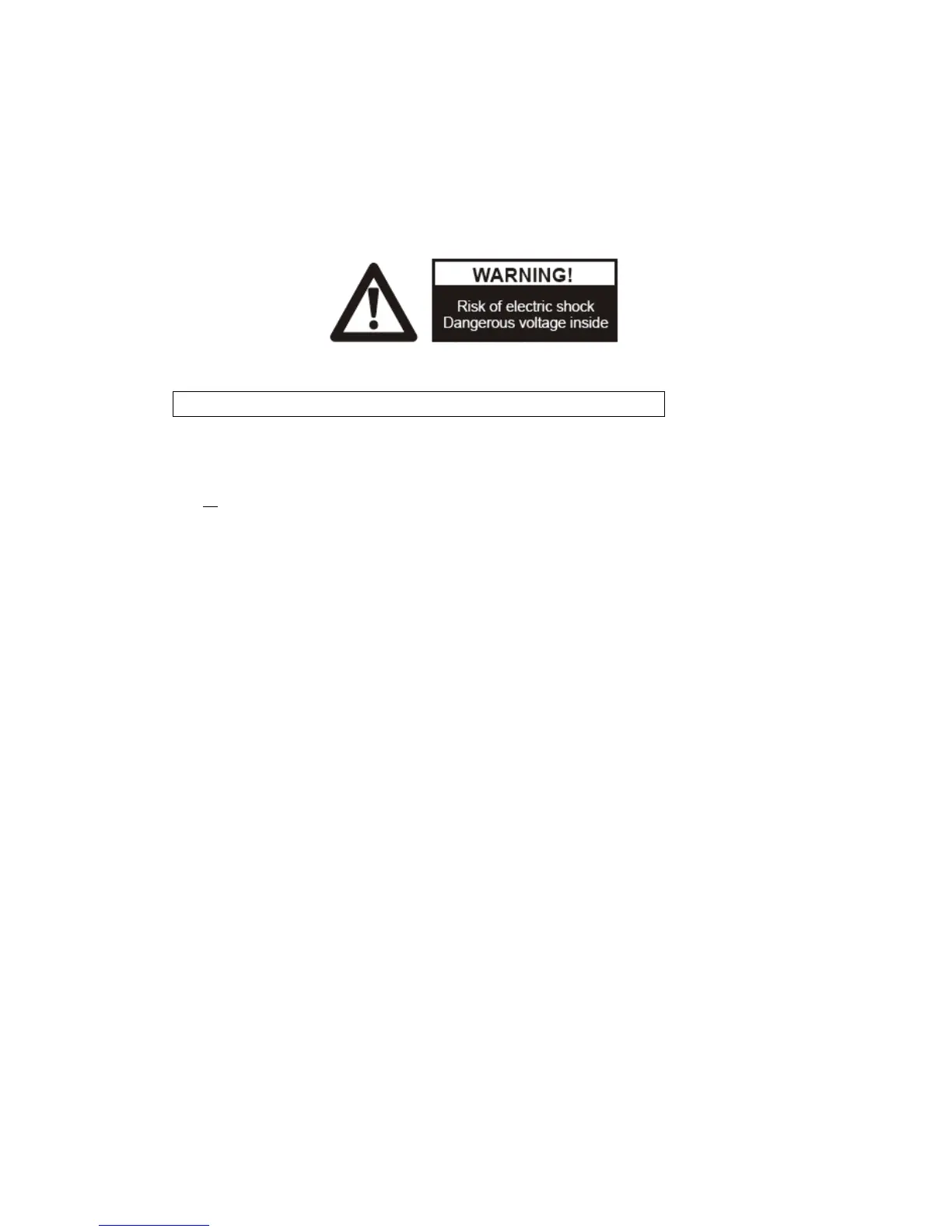
NOTICE: PLEASE READ CAREFULLY BEFORE USE
Use the document camera under the rated electric conditions.
Do not place the document camera on an unstable surface as it may fall, causing
injury or damage.
Do not place this device directly under sunlight or near heaters.
Do not place this device near water.
Keep the camera away from acid or alkali gas.
Do not place this document camera in humid, dusty or windy environments.
The recommended operating environment is:
Temperature: 0ºC - 45ºC (32ºF-113ºF)
Humidity: less than 75%
Always unplug BEFORE cleaning the device. Use a damp soft cloth for cleaning.
Do not use volatile solvent.
Immediately unplug and call for professional assistance if equipment functions
abnormally.
Unplug the document camera when not in use.



 To Next Page