5
Setting Up
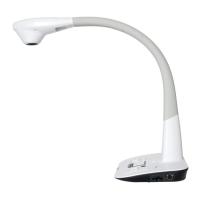
This section provides useful tips on how to adjust the document camera smoothly for your needs.
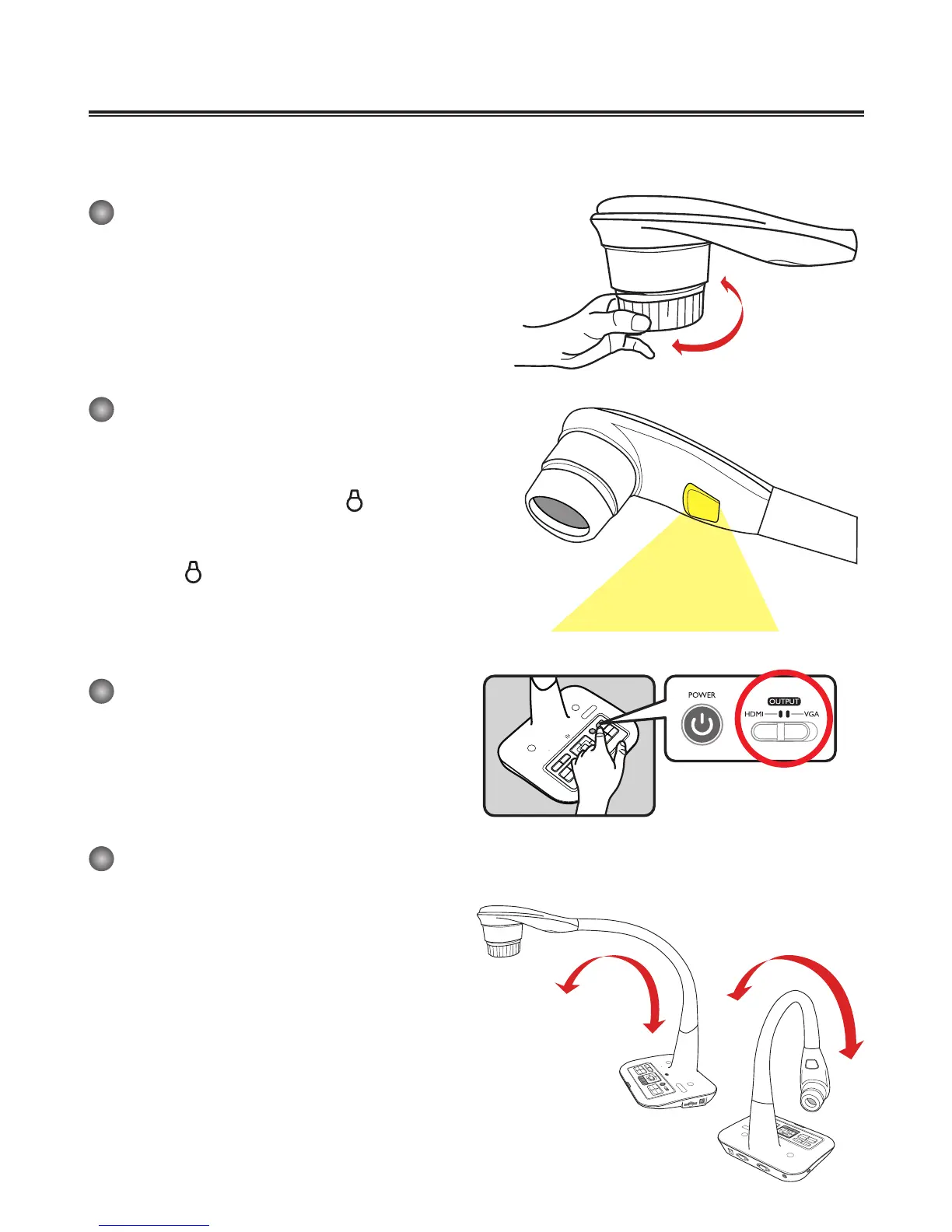
Rotate Function
Roll the lens rotator to rotate image 90°
Illumination Lamp
If you are in a dark environment, please turn the LED
lamp on to make better exposure.
1. Press the LED lamp button (
) on the base to
turn on/off the LED lamp.
2. Adjusting the brightness by pressing the lamp
button (
)
Output Switch
Adjust the Output Switch on the control panel
according to your output port.
Gooseneck Arm
The gooseneck arm can be adjusted to sup-
port various working areas.
90°



 To Next Page