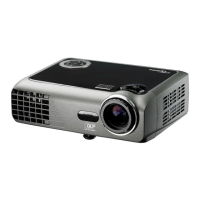
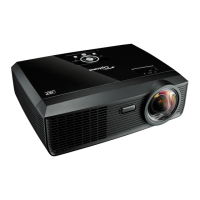
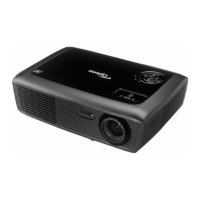
EW536/HD66/DW318
Condential
4-1
Chapter 4
Function Test & Alignment Procedure
4-1 Test Equipment Needed
- IBM PC with SVGA/XGA resolution
- DVD player with Multi-system, equipped "Component", "S-Video","Composite" and
"HDMI".
- HDTV Source (480P, 720P, 1080i, 1080P)
- Minolta CL-100
- Quantum Data 802B or CHROMA2327 (Color Video Signal & Pattern Generator)
4-2 Service Mode
1. Turn on the projector
2. Do the following actions sequentially to get into service mode
(1) Press "Power", "Left", "Left" and "Menu" buttons sequentially on remote controller.
(2) Service Mode will be shown.
(3) Choose "Exit" to leave the Service Mode after conrming the conguration.
4-3 OSD Reset
1. After nal QC step, we have to erase all saved change again and restore the OSD
default setting. The following actions will allow you to erase all end-users' settings and
restore the default setting:
(1) Please get into OSD menu.
(2) To execute "Reset" function.


 To Next Page