EW536/HD66/DW318
Condential
5-4
5-3 Firmware Upgrade Procedure
1.
Set-up
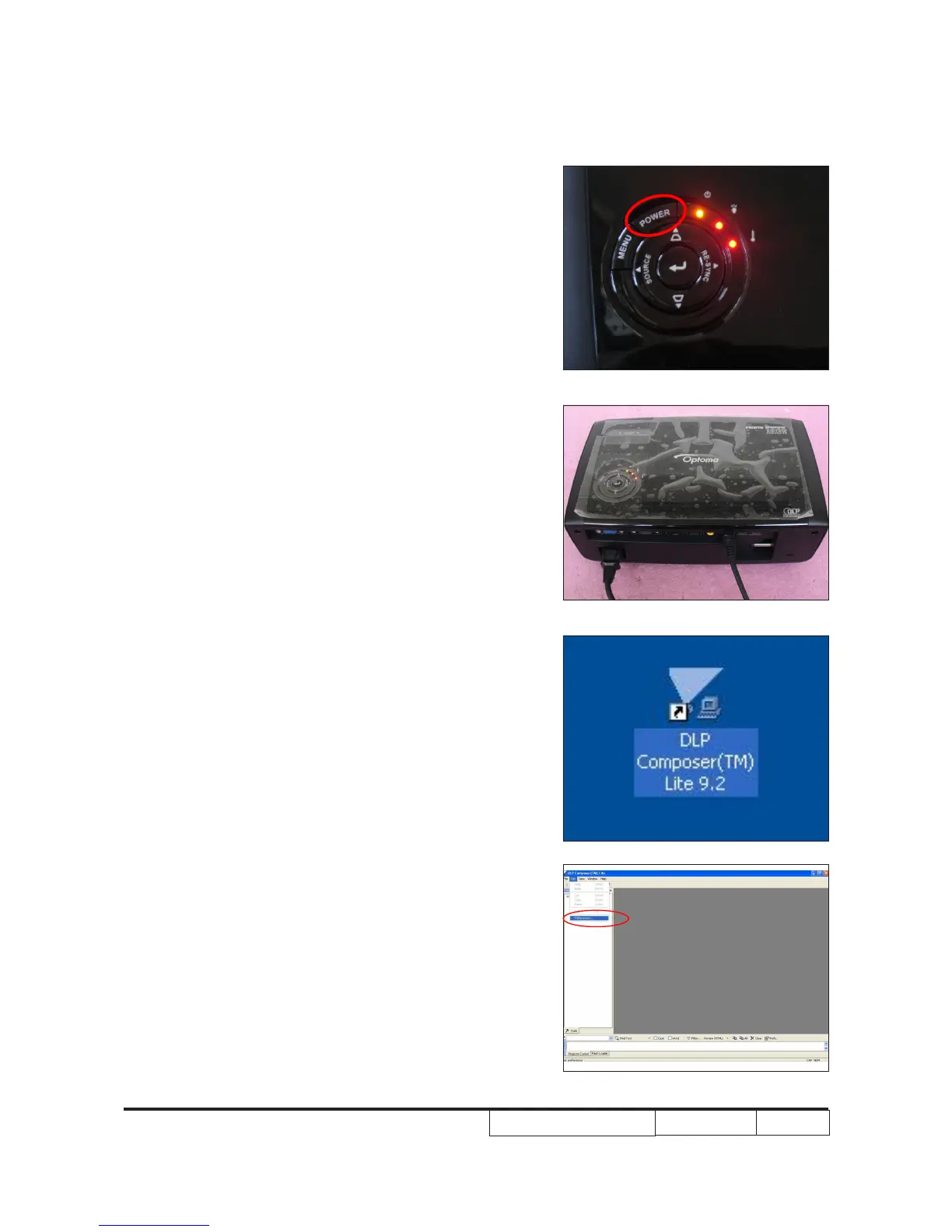
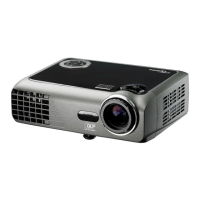
- Hold on "POWER" button and plug in the power
cord, the power LED will start to ash until the LED
status goes to steady orange, the Temp LED and
Lamp LED will light on red.
- Loosen the "POWER" button.
- Connect projector with PC by RS232 cable.
Note: The system fan and the lamp will not operated.
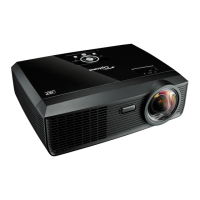
2. Execute the "DLP Composer
TM
Lite 9.2" le.
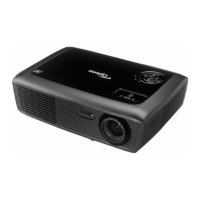
3. Click "Edit" and "Perferences".


 To Next Page