Condential
4-10
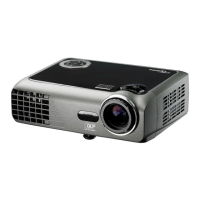
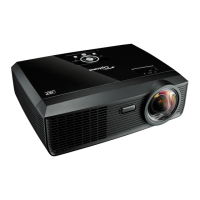
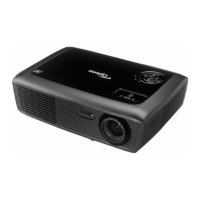
EW536/HD66/DW318
6. 3D Test
Procedure - Test equipment: 1.DVD Player&HQFS format CD
Or 2.PC with 3D Graphic card
Inspection item - 3D test
Inspection Distance - < 6M
Criteria - The image should not appear noise, icker, shadow,
shocking, abnormal color.
4-8 Optical Performance Measure
Inspection Condition
- Environment luminance: 2 Lux
- Product must be warmed up for 3 minutes
- Distances from the screen: 2.4 M
- Screen Size: 60 inches diagonal
1. Test equipment
Procedure - Connect VGA IN port of E536/HD66/DW318 with VGA
port of Chroma by VGA cable, press "Menu" button,
get into OSD mode, the settings are as below:
- "Display mode" is "Presentation", "Brightness" is "50",
"Contrast" is "60", and the "Format" is "4:3".
- Please do the Optical Performance Measure.
2. Brightness
Procedure - Full white pattern
- Use CL100 to measure brightness values of
P1~P9.
- Follow the brightness formula to calculate


 To Next Page