Condential
4-9
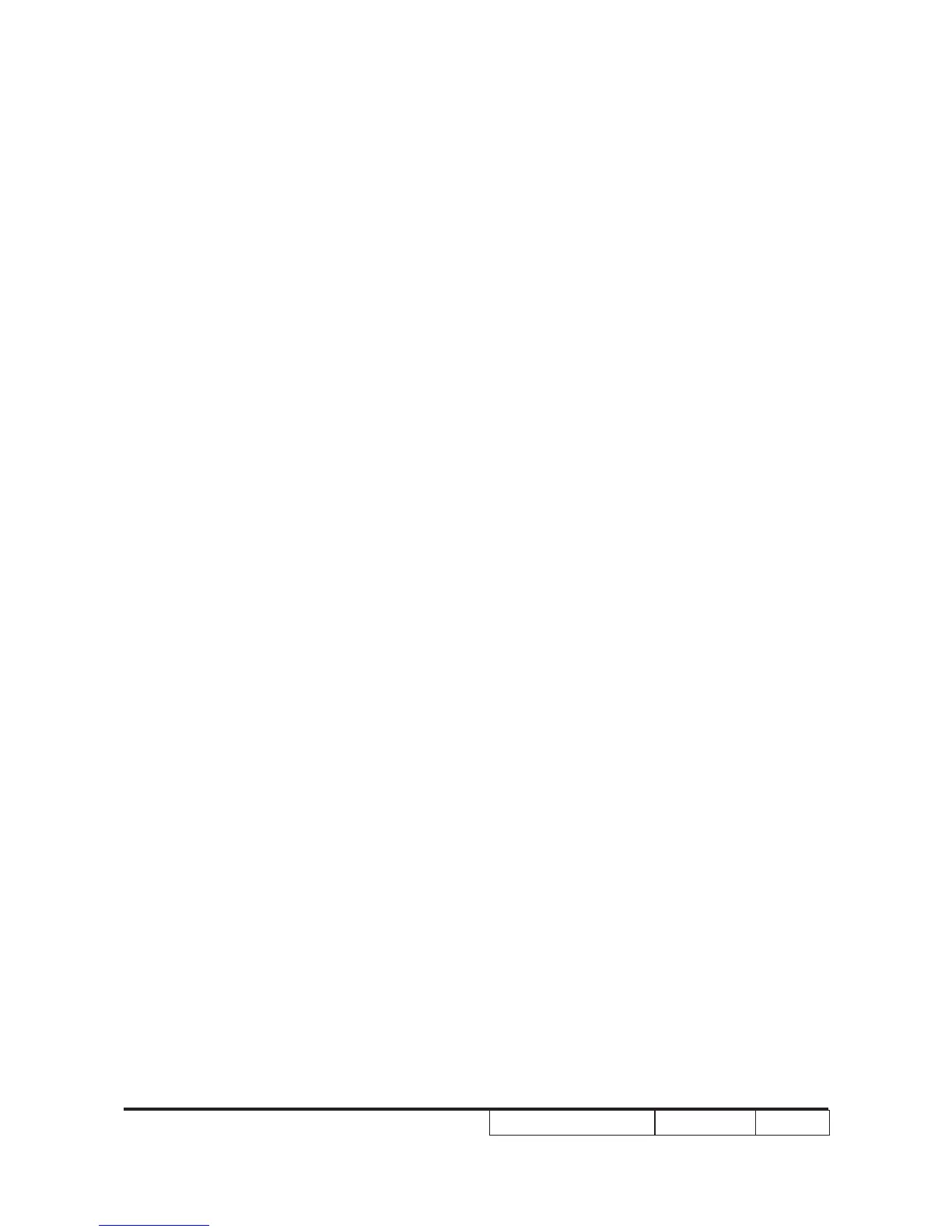
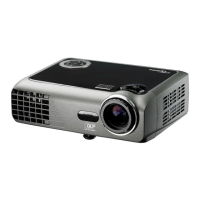
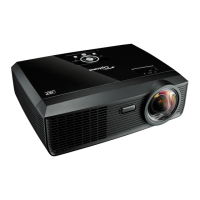
EW536/HD66/DW318
Inspection Distance - 1.8 M ~2.5 M
Criteria - Check any abnormal color, line distortion or any noise
on the screen.
- Check the sound from speakers.
- Check if "freeze" is normal.
4. Audio Test
Procedure - Test equipment: DVD Player
- Test signal: CVBS
Inspection item - Audio performance test
Inspection Distance - 1.8 M ~2.5 M
Criteria - Check the sound from speakers
- Plug Audio cable into Audio In port, check if "Volume"
is normal.
- Plug Audio cable into Audio Out port, check if the out
board speaker’s "Volume" is normal.
- Adjust the volume to maximum by using the remote
controller.
- Check the sound from speakers.
- Check if the "mute" is normal.
5. HDMI Test
Procedure -Test equipment: DVD Player with HDMI output.
-Test signal: digital 1280 x 800@60Hz
Inspection item - HDMI performance test.
Inspection Distance - 1.8 M ~2.5 M
Criteria - Ensure if the image is well performed and the
color can not discolor.


 To Next Page