6
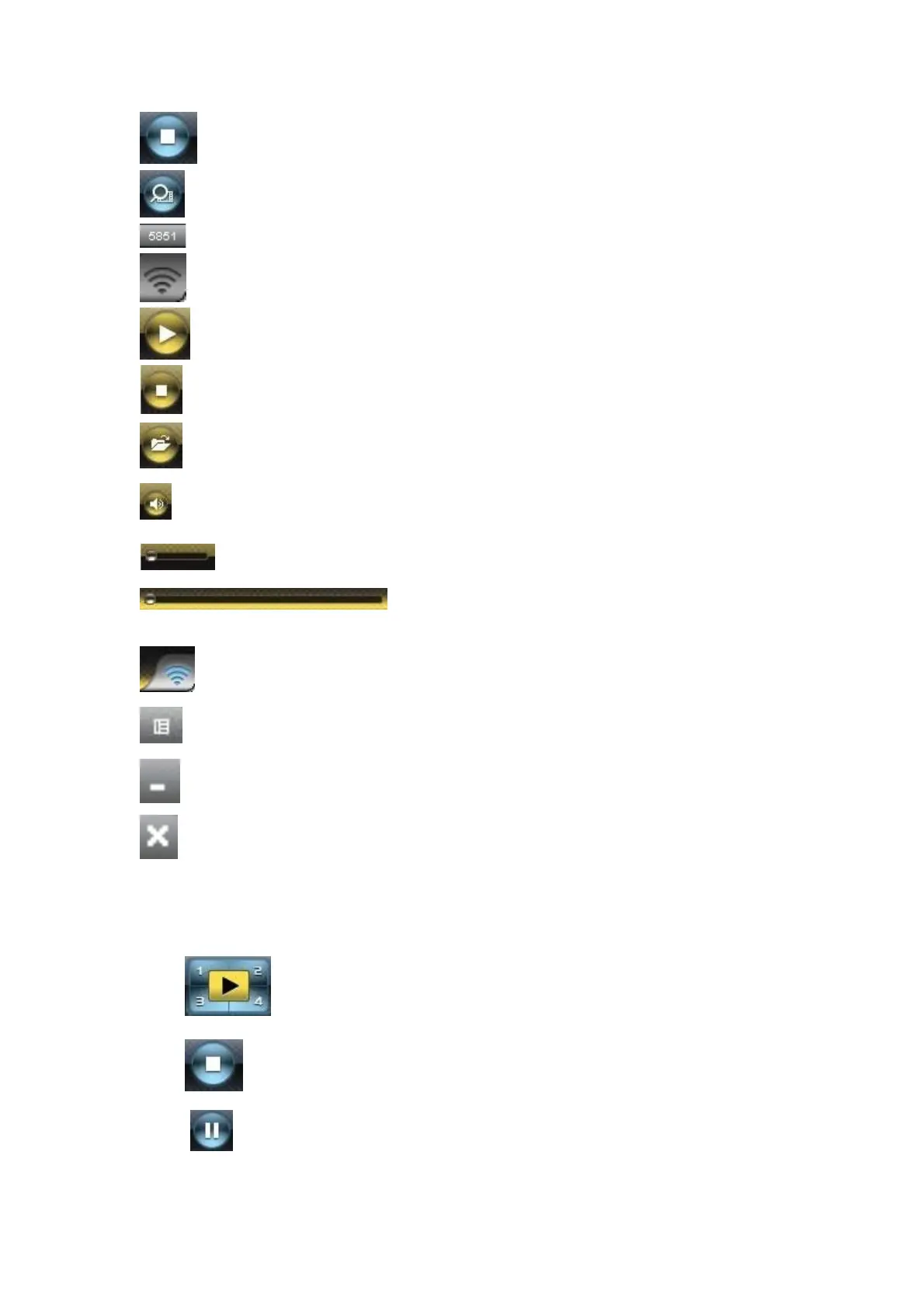
Stop projecting
Magnifier
Server Login Code
While projecting is in progress, this icon will blink
Start Playing Video
Stop Playing Video
Open Video File
Mute Audio
Audio volume bar
Video transport bar
While playing video, this icon will blink
Function menu
Minimize the program
Exit the program
3.2 Start/Stop Presentation
Click to project desktop (Full screen or split screen)
Click to stop presentation.
Click to pause presentation, which will hide any intermediate activities
of your PC screen.



 To Next Page