19
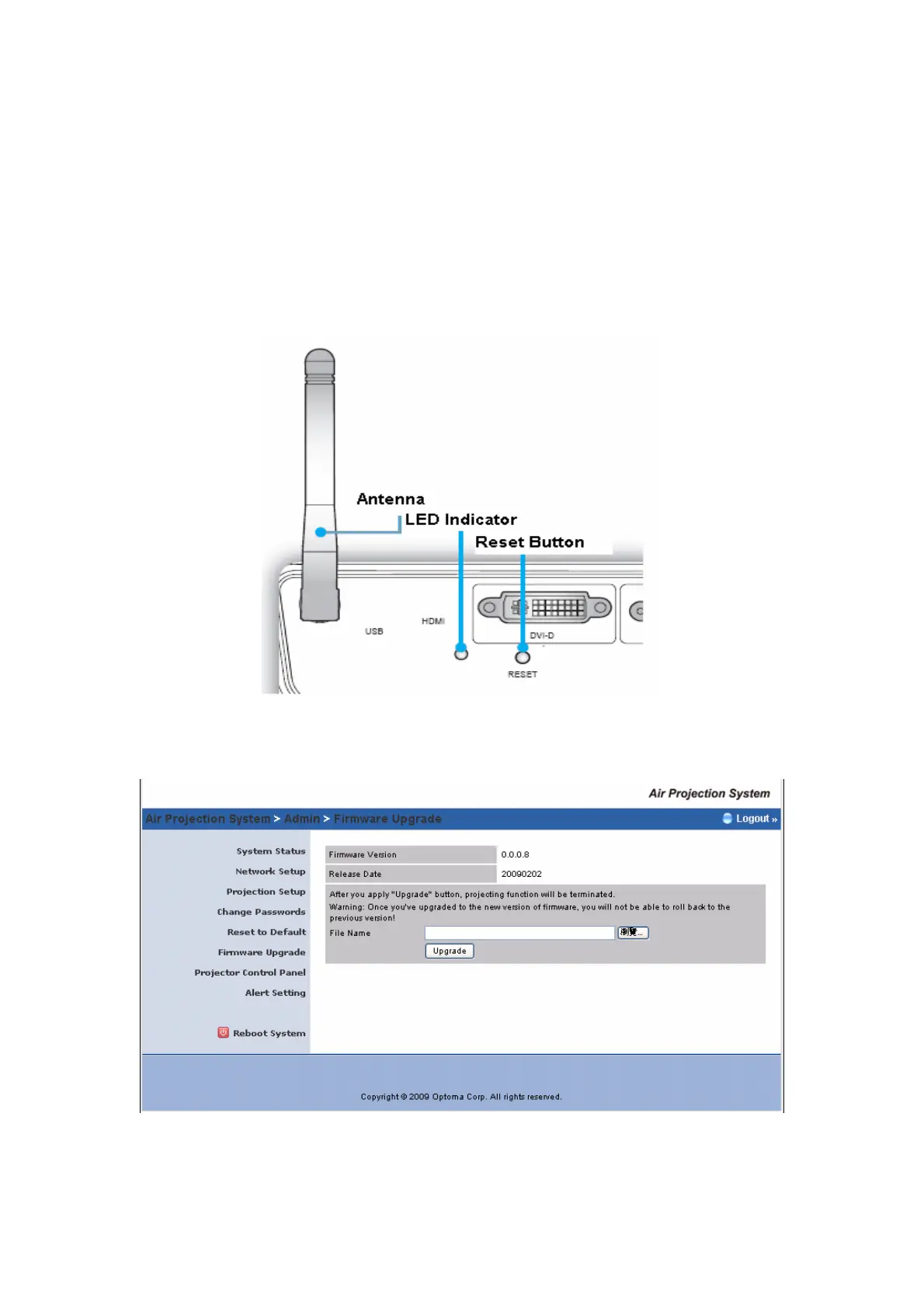
*** Another way to restore Factory Default Settings, follow the procedure
below:
1) Press [Reset] button and Hold.
2) Turn on Wireless Projector box.
3) Wait for over 10 seconds and release [Reset] button.
4) It will take effect to restore factory default settings.
5.7 Firmware Upgrade
Click [Firmware Upgrade] button to upgrade firmware.



 To Next Page