20
1) Ensure you have acquired the latest firmware to download.
2) Click <Browse> to specify file name you want to upgrade.
3) Click <Upgrade> button to upgrade the firmware.
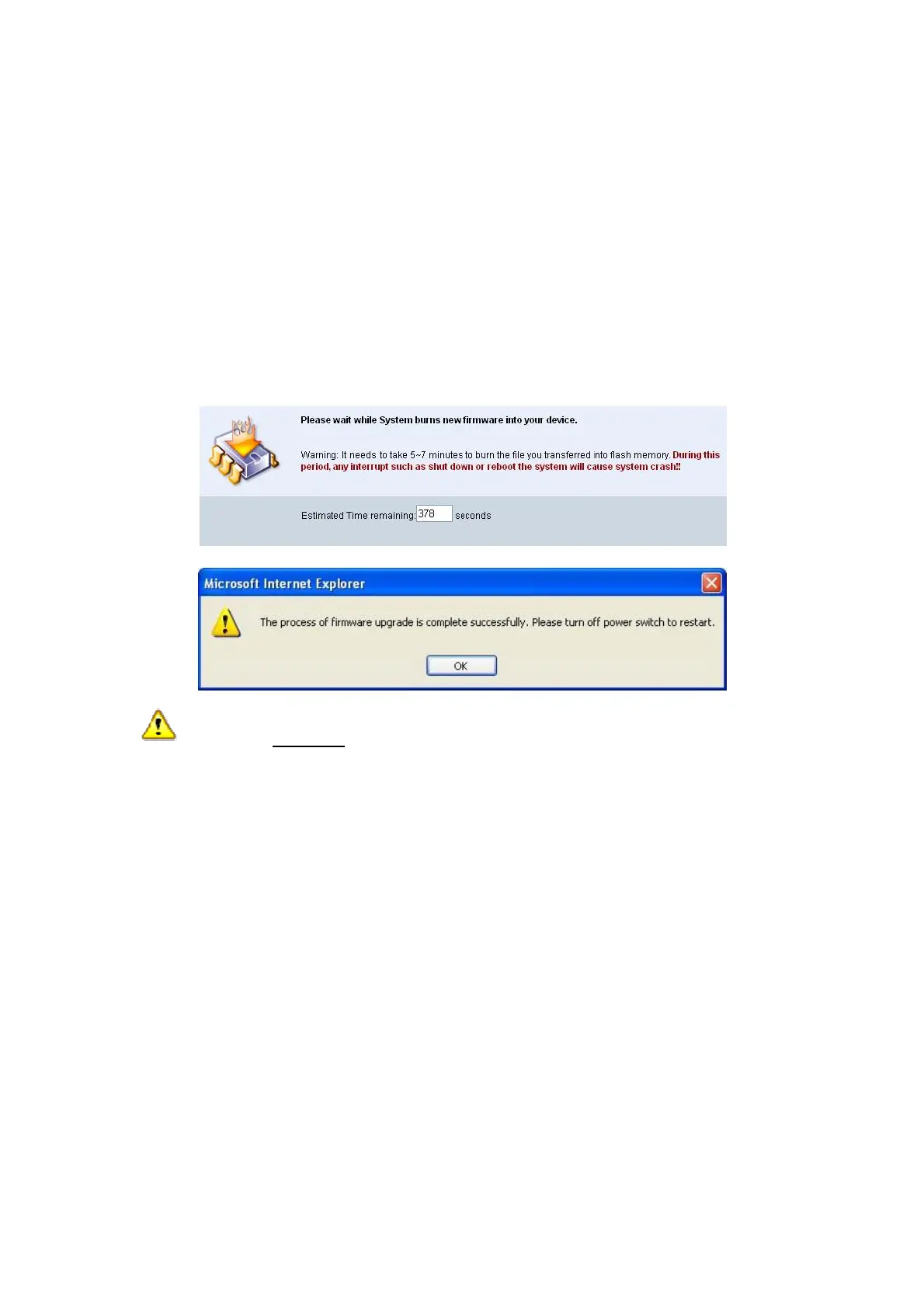
4) A warning message with the estimated time for completion will appear
on the screen.
5) After a few minutes, a “complete” message will be shown on the
screen.
6) Upon the completion of firmware upgrade, manually power off the
projector and on again.
Warning: DO NOT power off Wireless Projector while firmware upgrade
is in progress. This will cause the wireless projector to fail and recovery
process cannot be performed.



 To Next Page