30
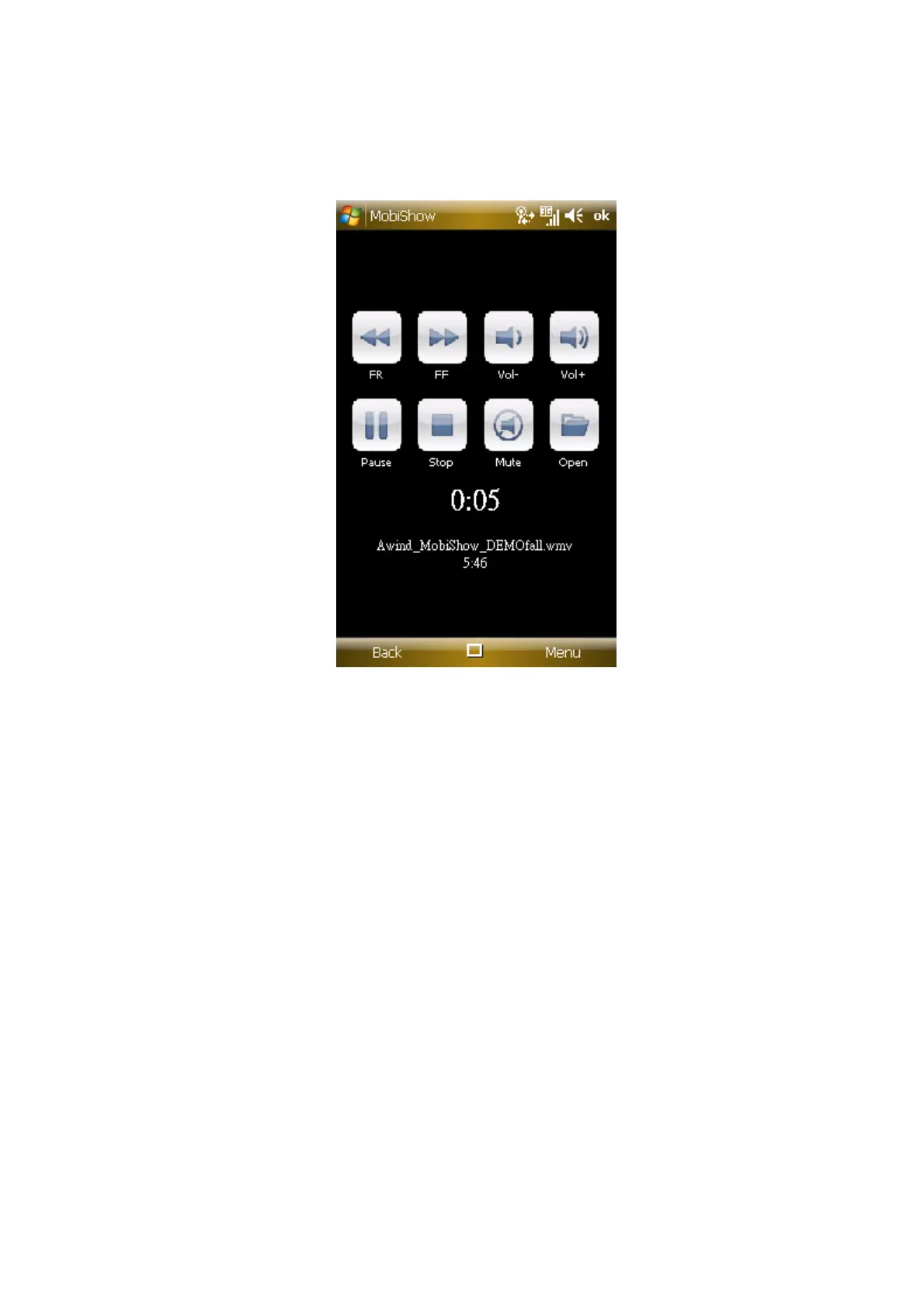
When the file is open, the media will be projected, and the following screen
is displayed on the device for you to control your media playback.
Click “FR” or “FF” to seek backward or forward.
Click “Vol-“ or “Vol+” to adjust volume for playback.
Click “Stop” to stop playing the file. The icon will become “Play” if the file
is not played. Click “Play” again to play the file if it is stopped.
Click “Mute” to mute the audio. Click “Mute” again to bring audio back.
Click “Open” to select another media file.
7) When you are in the main menu, click the “OK” button or “Back” again to
close the application.
6.3 PtG Converter
Use this software to convert Microsoft
TM
Powerpoint presentations into



 To Next Page