24
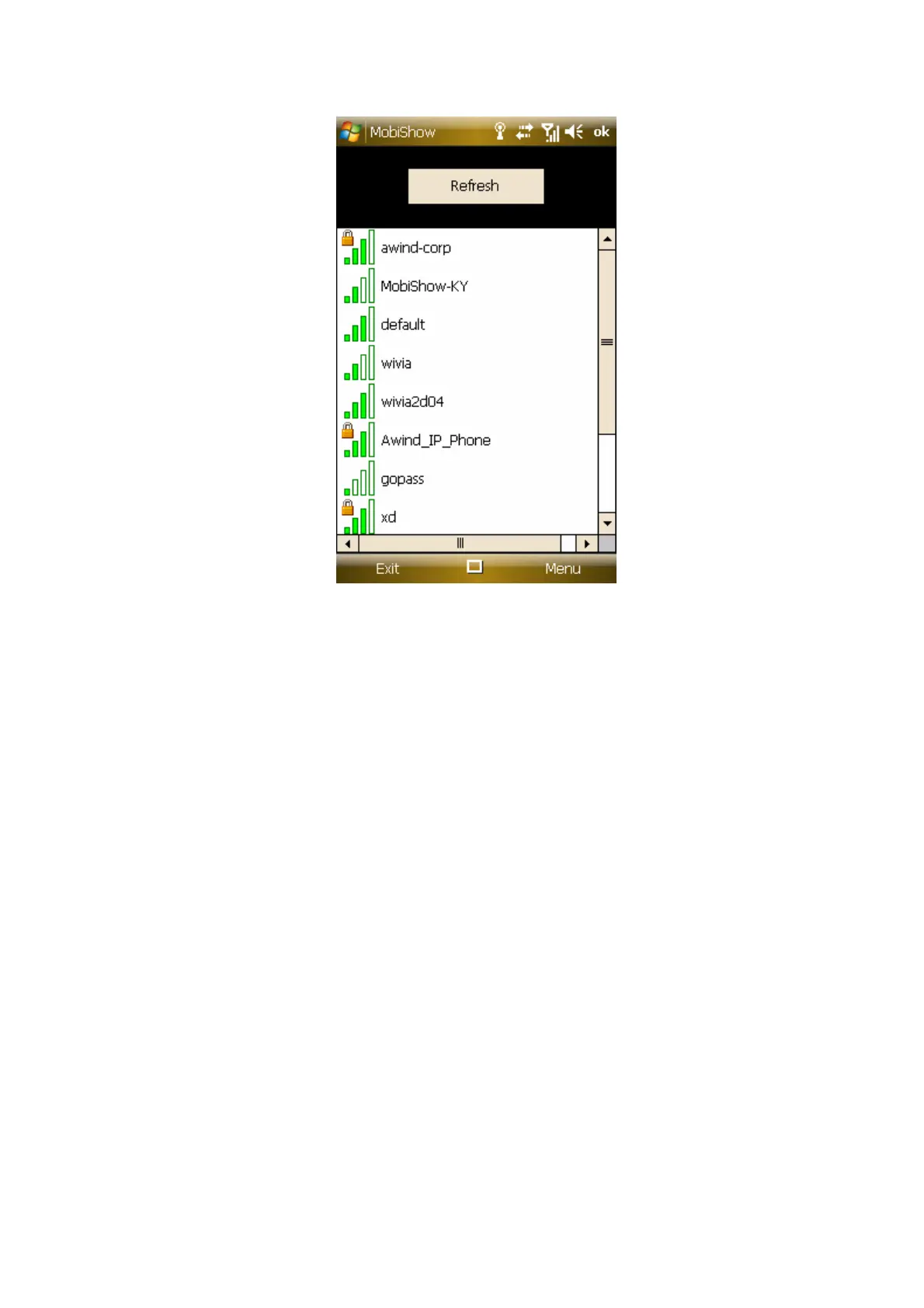
4) Select the Mobishow enabled Wireless Projector you wish to connect to
(Default SSID is “Wireless Projector”)
5) MobiShow client will connect to that access point and search for
MobiShow devices automatically. When a MobiShow device is found, you
will need to enter the 4-digit login code from the projector’s wireless start-
up screen.



 To Next Page