28
Click “Home” to go to the first slide.
Click “Jump” and MobiShow client will show every slide on the phone.
You can select any page to go to, then click “ok”.
Click “Open” to select another PtG file.
Photo Slideshow:
You can use MobiShow to project photos stored on your portable device to
big screen. The photos will be prepared for playback on big screens rather
than for the tiny screens of your device.
To open a single photo, select one photo and click the OK button. The
photo will be displayed on the display connected to MobiShow device.
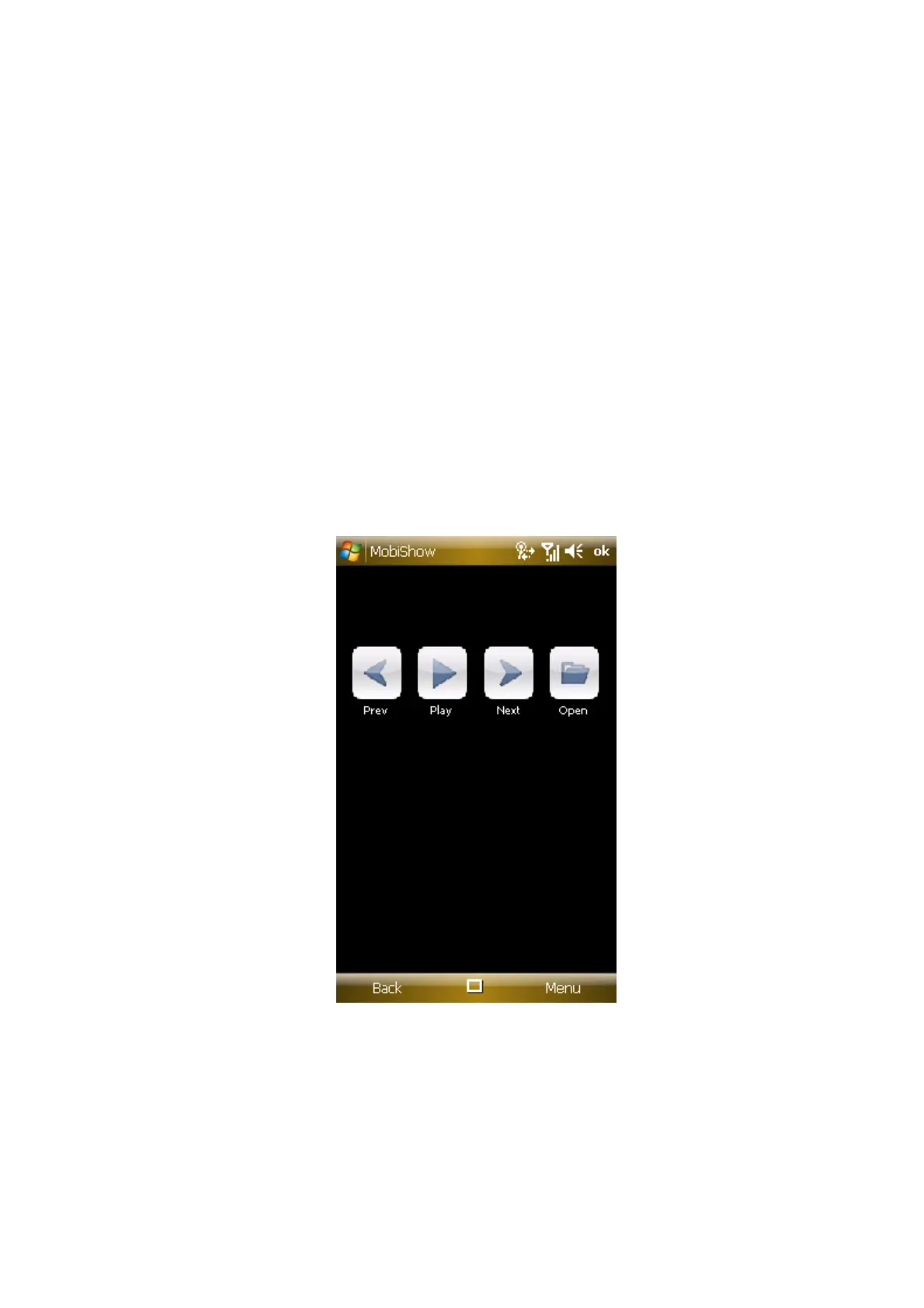
Click “Prev” or “Next” to go to the previous or next photo in the same
folder.
Click “Play” to start photo slideshow with photos in the same folder. The
button will be changed to “Pause” during slideshow. Click “Pause” to


 To Next Page
 Loading...



