Delta Elec. Inc. EX779
Company Confidential Optoma__________________ Delta________________
10
2010/04/14
I
TEM
L
ABEL
D
ESCRIPTION
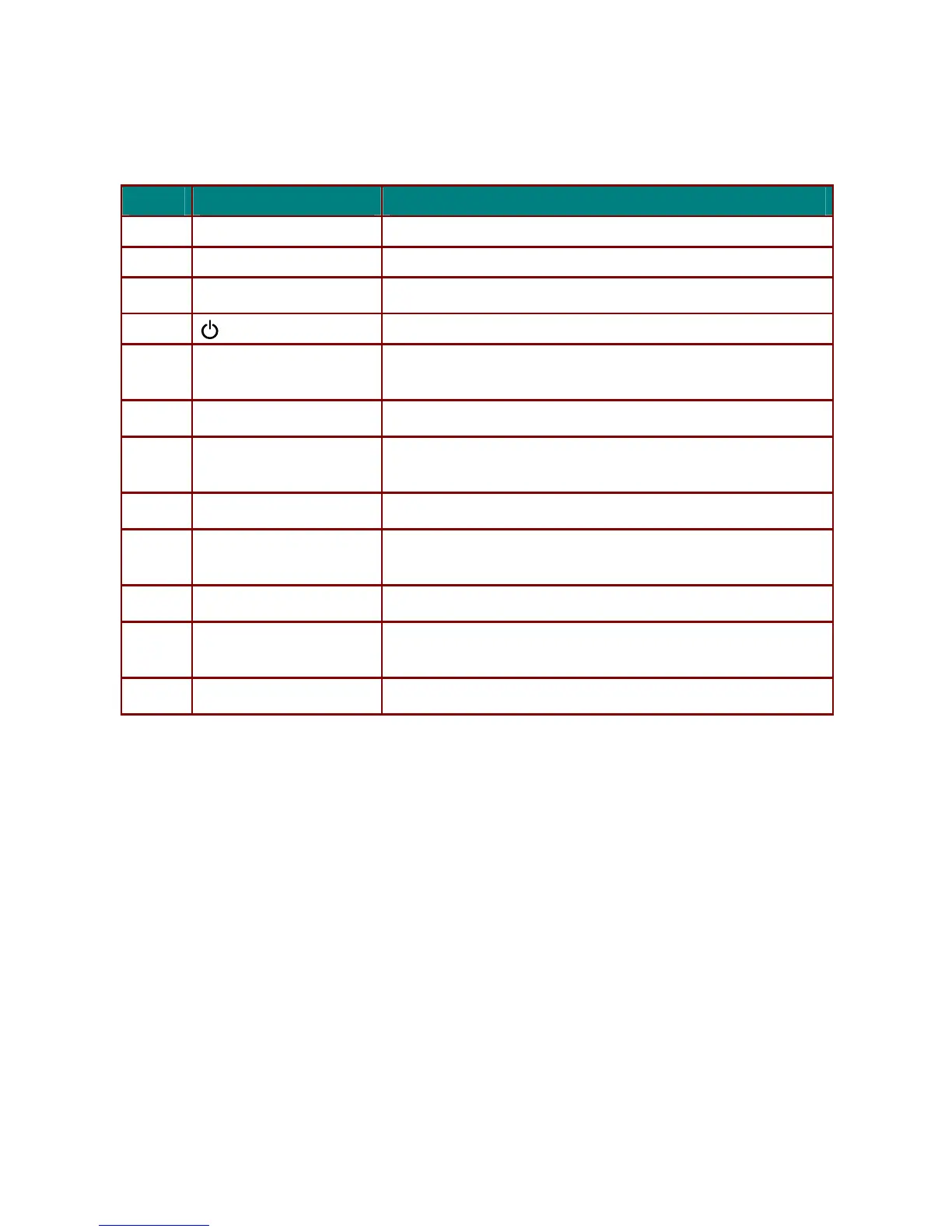
LED0 POWER LED Display the power on/off sequence status
LED1 LAMP LED Display the the lamp status
LED2 TEMP LED Display the thermal status
KEY0
(Power button)
Turns the projector On or Off.
KEY1 ▲ (Up cursor) / Keystone+
Navigates and changes settings in the OSD Quick Menu – For
Keystone
KEY2 MENU Opens and exits OSD menus
KEY3 ► (Right cursor) / Volume
Navigates and changes settings in the OSD
Quick Menu – For Volume
KEY4 AUTO Optimizes image size, position, and resolution
KEY5
▼ (Down cursor)
/Keystone-
Navigates and changes settings in the OSD
Quick Menu – For Keystone
KEY6 ENTER Enter or confirm highlighted OSD menu item
KEY7 ◄ (Left cursor) / Volume
Navigates and changes settings in the OSD
Quick Menu – For Volume
KEY8 SOURCE Enter the Source menu ( Not available on TW30x )



 To Next Page