Delta Elec. Inc. EX779
Company Confidential Optoma__________________ Delta________________
57
2010/04/14
Install Flash-Tool to PC
Run the “Digital Zoom Projector Flash Tool V6.0.2.msi” or above version
Note: If your projector USB driver is not installed yet, please refer to the USB driver installation
guide for further details.
Flash-Tool User’s Guide (Upgrading Projector Logo)
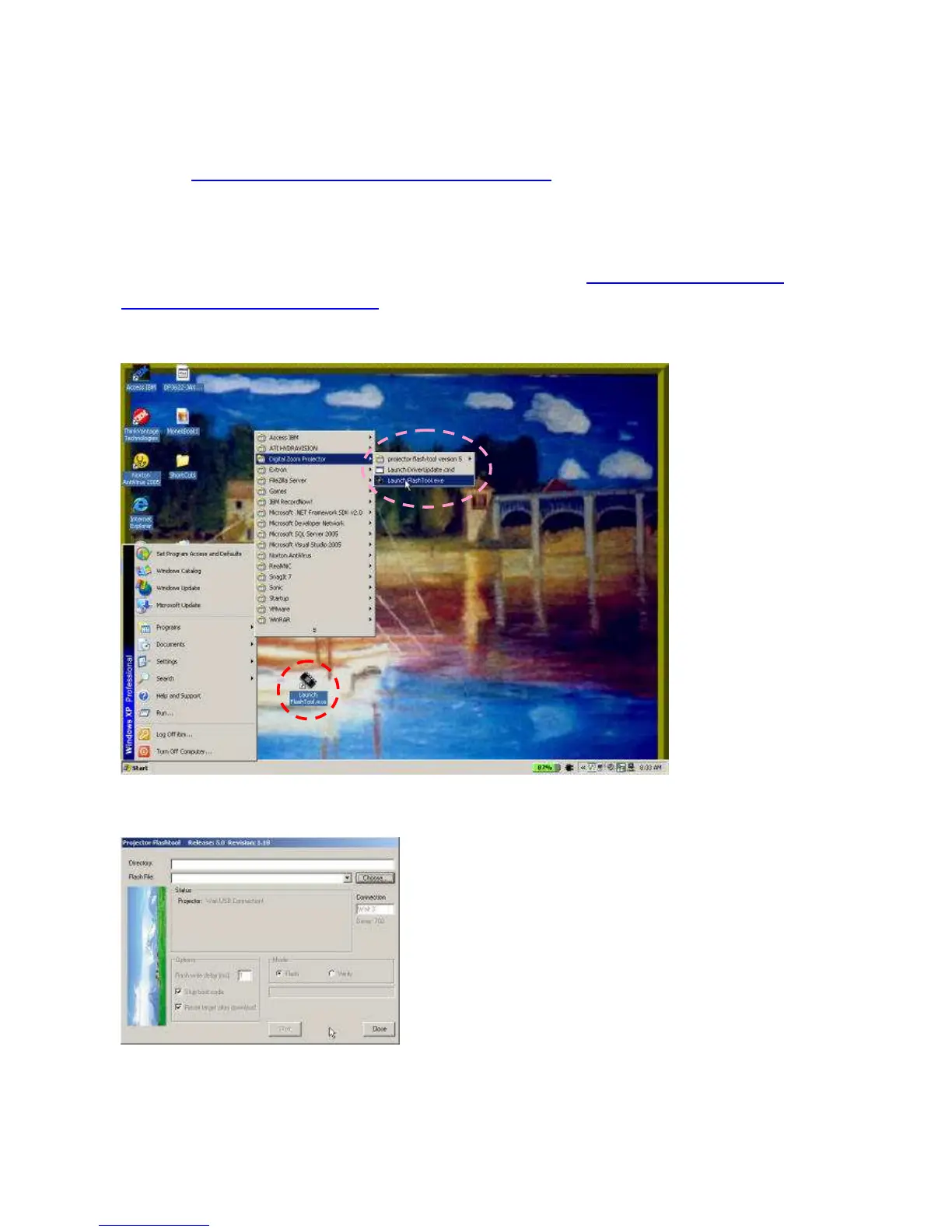
Step 1: Launch the “FlashTool.exe” from installed short-cut at Program > Digital Zoom
Projector> Launch FlasTool.exe or click the “Launch FlashTool.exe” shortcut icon on the
desktop.
Step 2: While executed, a Flash-Tool window shall appear as the following picture, if no
projector is detected.



 To Next Page