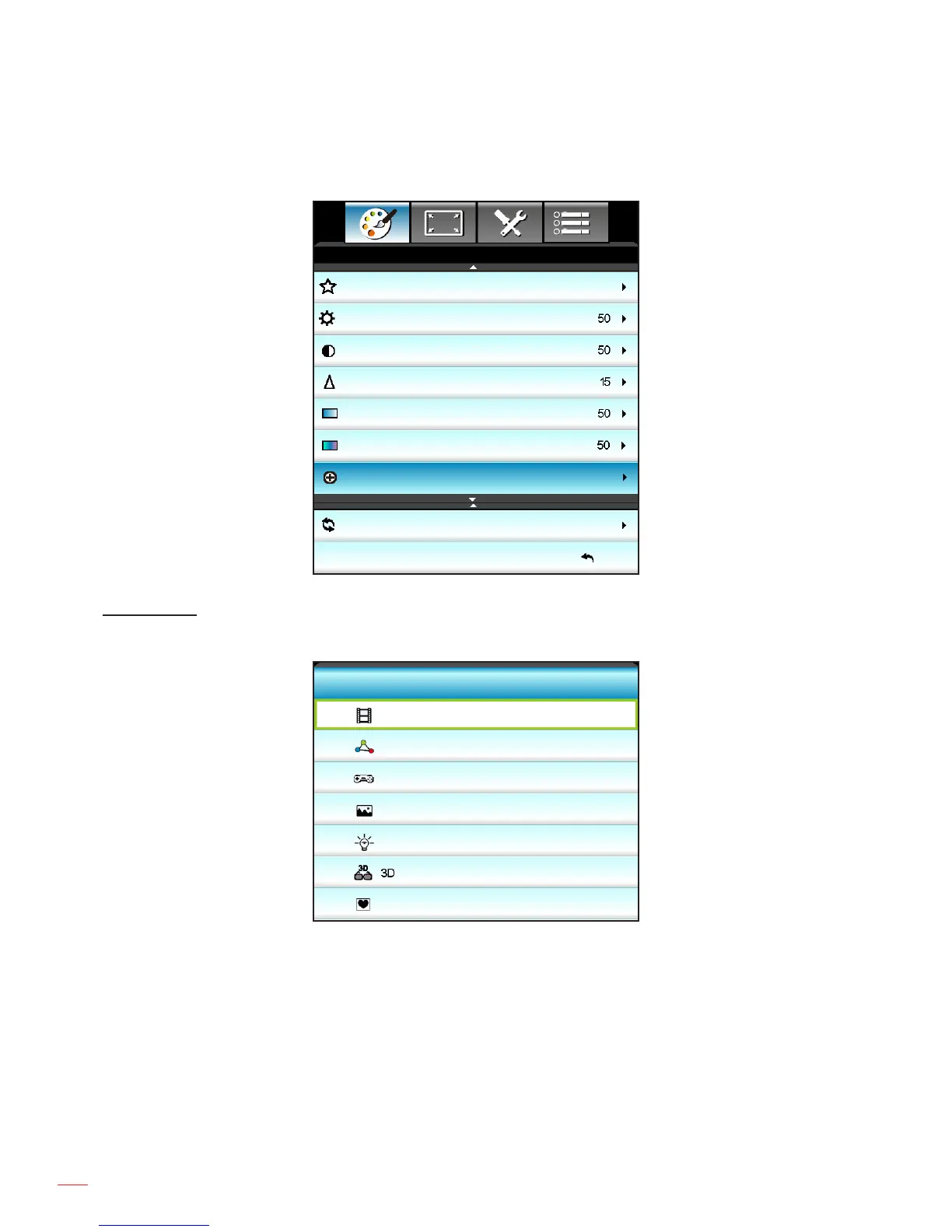
Image menu
Reset
Exit
Display Mode
Brightness
Contrast
Sharpness
Color
Tint
Advanced
Cinema
IMAGE
Display Mode
There are many factory presets optimized for various types of images.
Cinema
Reference
Game
Bright
User
Display Mode
Vivid
Cinema: Use this mode for home movie theatre.
Reference: This mode is intended to reproduce, as close as possible, the image the way the movie
director intended. Color, color temperature, brightness, contrast and gamma settings are all congured
to standard reference levels.
Game: Use this mode for playing video games.
Vivid: Optimized to produce strikingly bright colorful images.
Bright: Maximum brightness from PC input.
3D: To experience the 3D effect, you need to have 3D glasses. Make sure your PC/portable device
has a 120 Hz signal output quad buffered graphics card and a 3D Player installed.
User: Memorize user’s settings.



 To Next Page