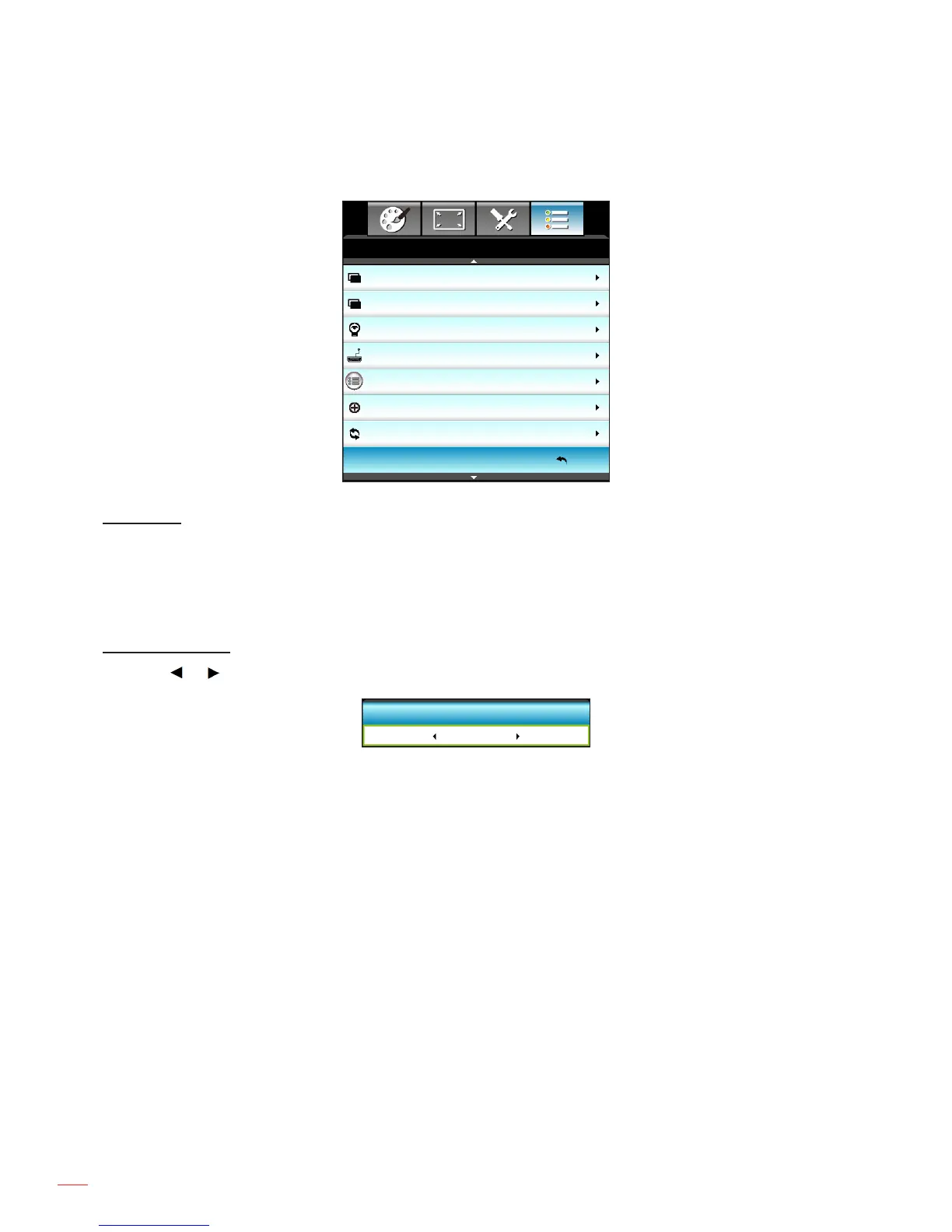
Options menu
Background Color
Black
Lamp Settings
HDMI Link Settings
Remote Settings
Advanced
Reset
Exit
OPTIONS
USB Power
Off
USB Power
Enable or disable the USB power port function.
On: Power over USB port.
Off: Power over HDMI/MHL port.
Auto: MHL gets priority over USB with USB being the default power source.
Background Color
Press the or to select a "Black", "Red", "Blue", "Green", or "White" screen when no signal is available.
Background Color
Black



 To Next Page