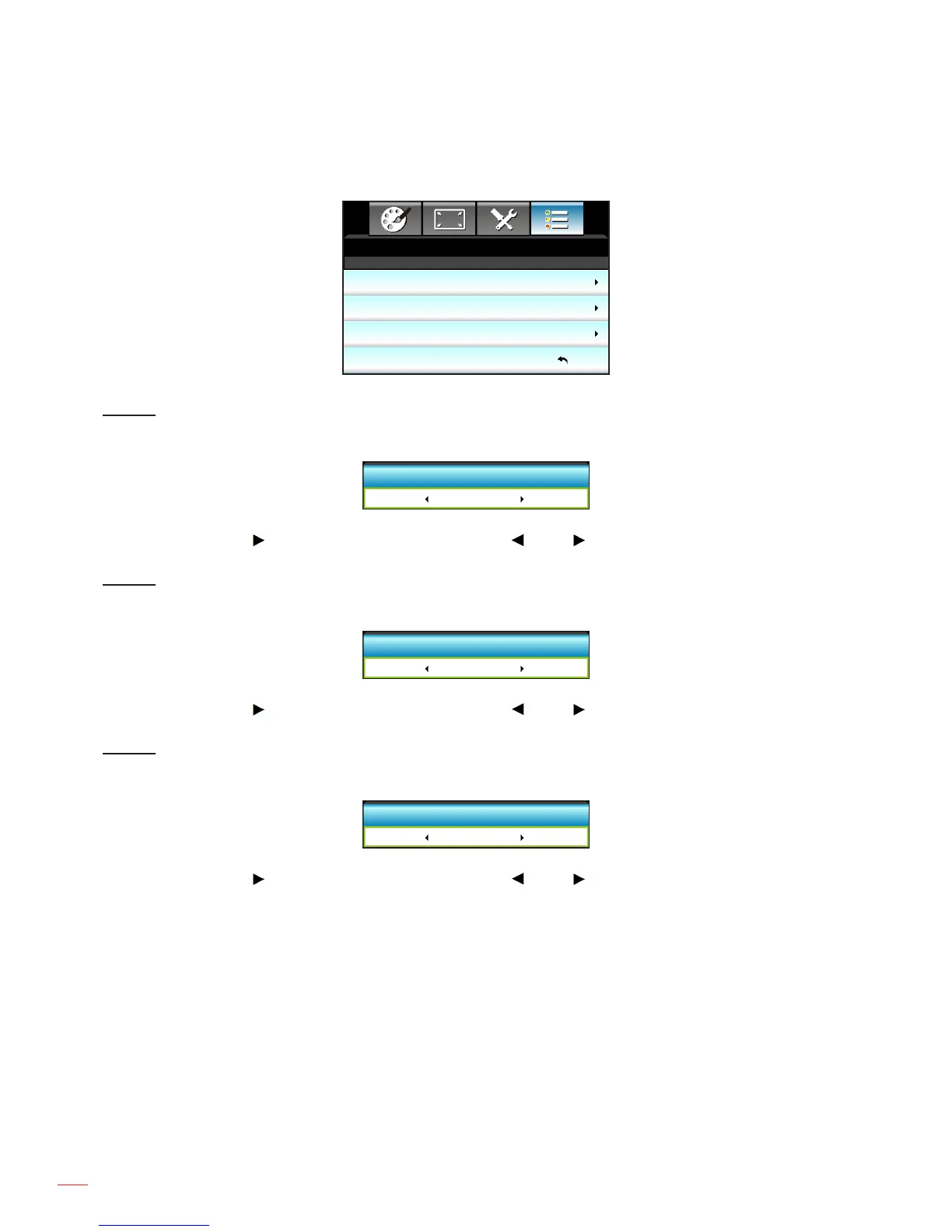
Options remote settings menu
OPTIONS
Remote Settings
User 1
User 2
User 3
DARBEE
Gamma
Exit
Color Temp.
USER 1
Assign the default function for USER 1. The default value is “DARBEE”.
User 1
DARBEE
Press the into the next menu and then use the or the to select “Color Settings”, “Color Temp.”,
“Gamma”, “HDMI Link”, “Test Pattern”, “AV Mute”, “DARBEE” item.
USER 2
Assign the default function for USER 2. The default value is “Color Temp.”.
User 2
Color Temp.
Press the into the next menu and then use the or the to select “Color Settings”, “Color Temp.”,
“Gamma”, “HDMI Link”, “Test Pattern”, “AV Mute”, “DARBEE” item.
USER 3
Assign the default function for USER 3. The default value is “Gamma”.
User 3
Gamma
Press the into the next menu and then use the or the to select “Color Settings”, “Color Temp.”,
“Gamma”, “HDMI Link”, “Test Pattern”, “AV Mute”, “DARBEE” item.



 To Next Page