or
Powering on
Securely connect the power lead and signal/source cable. When connected, the On/Standby LED will 1.
turn red.
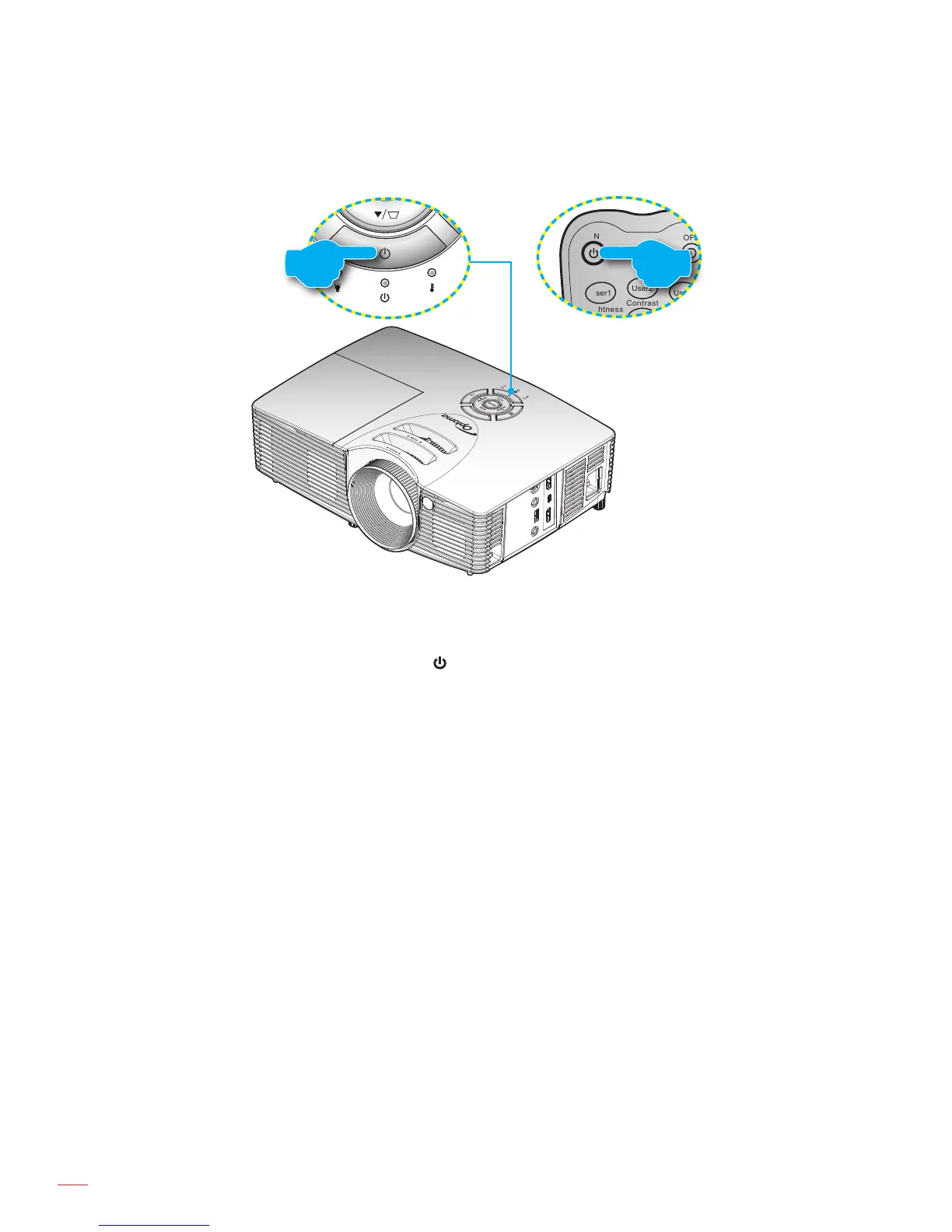
Turn on the projector by pressing the 2. " " either on the projector keypad or the remote control.
A start up screen will display in approximately 10 seconds and the On/Standby LED will be ashing 3.
green or blue.
The rst time the projector is turned on, you will be prompted to select the preferred language, projectionNote:
orientation, and other settings.



 To Next Page