English
63
HELP
Exit
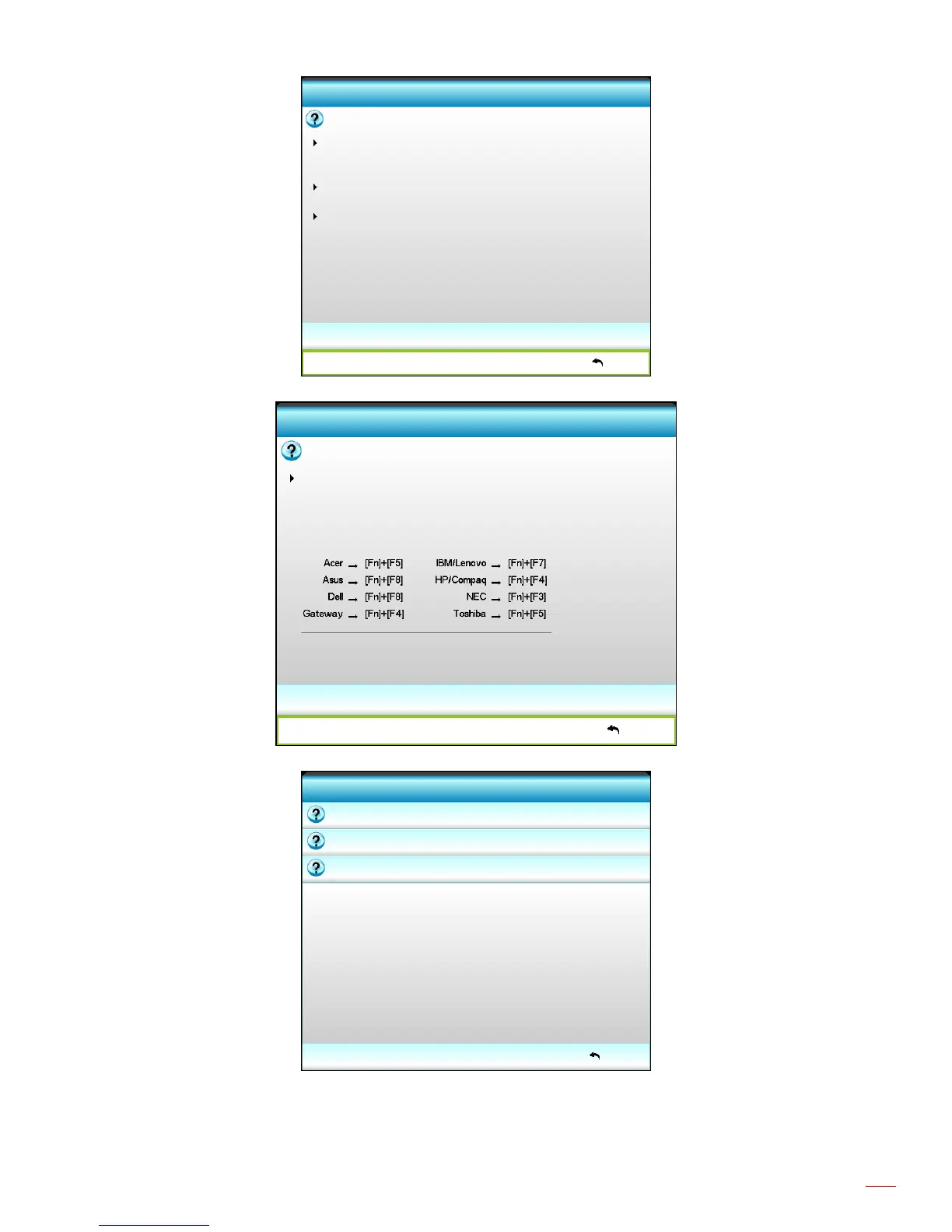
Ensure all the cables and power connections are correctly and securely
No image appears on-screen
connected as described in the Installation section of User's Manual.
Ensure all the pins of connectors are not bent or broken.
Ensure that the [AV MUTE] feature is not turned on.
[Next]
Exit
[Prev]
No image appears on-screen
HELP
If you are using a Notebook :
1. First, follow
2. Press the toggle output settings. Example : [Fn]+[F4]
System Preference -> Display -> Arrangement -> Mirror display
Mac Apple:
the steps above to adjust resolution of the computer.
HELP
Exit
Image has slanted sides
Image is too small or too large
There is no audio heard or the volume is too low



 To Next Page