User Controls
English
17
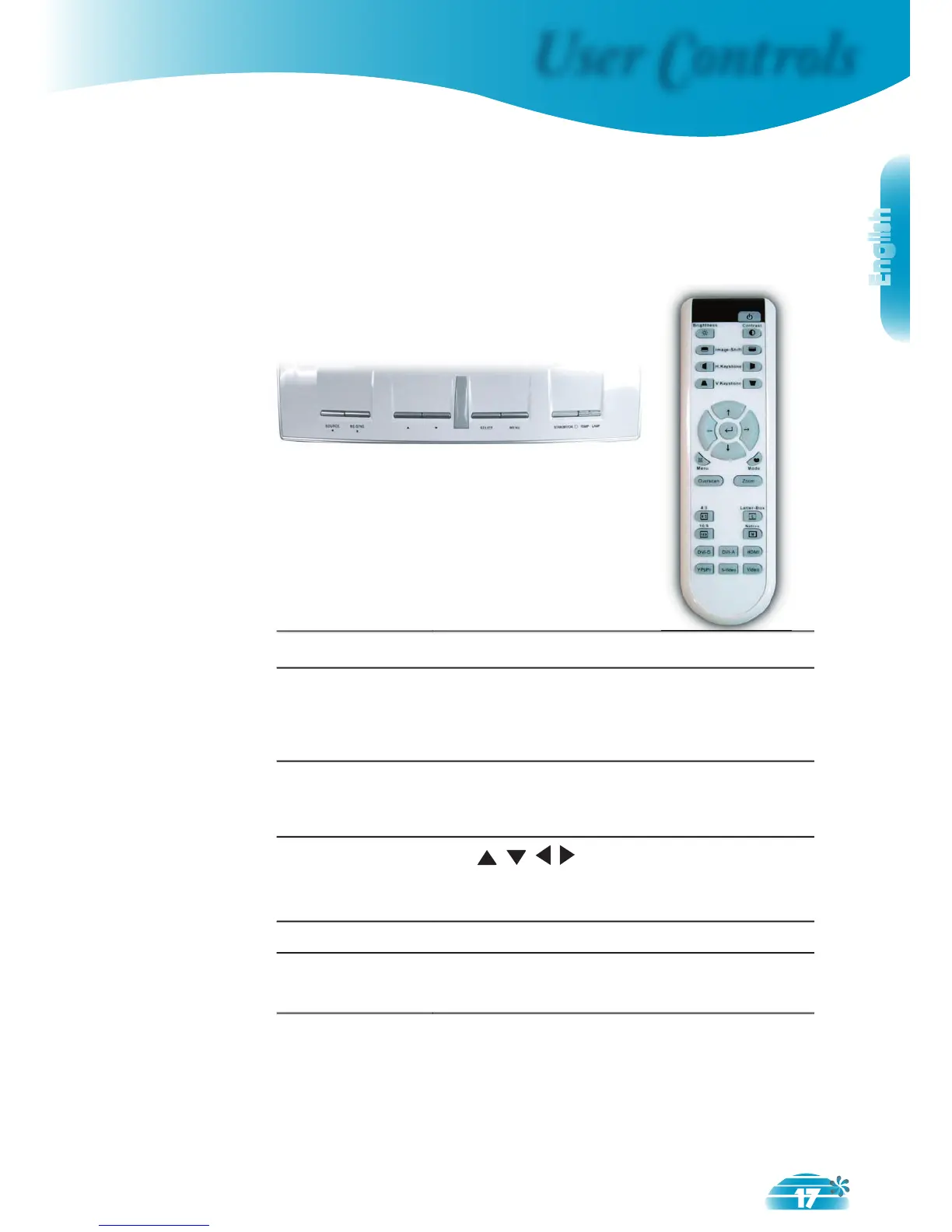
Remote ControlControl Panel
Control Panel & Remote Control
There are two ways for you to control the functions: Control
Panel and Remote Control.
Press “Source” to choose Analog via DVI
(DVI-A) or digital via DVI (DVI-D), RGB,
Component-p, Component-i, S-Video, Com-
posite Video, HDTV and HDMI sources.
Press “Menu” to launch the on-screen
display (OSD) menu. To exit OSD, Press
Use to select items or make
adjustments to your selection.
Confi rm your item selection.
Automatically synchronizes the projector to
the input source.



 To Next Page