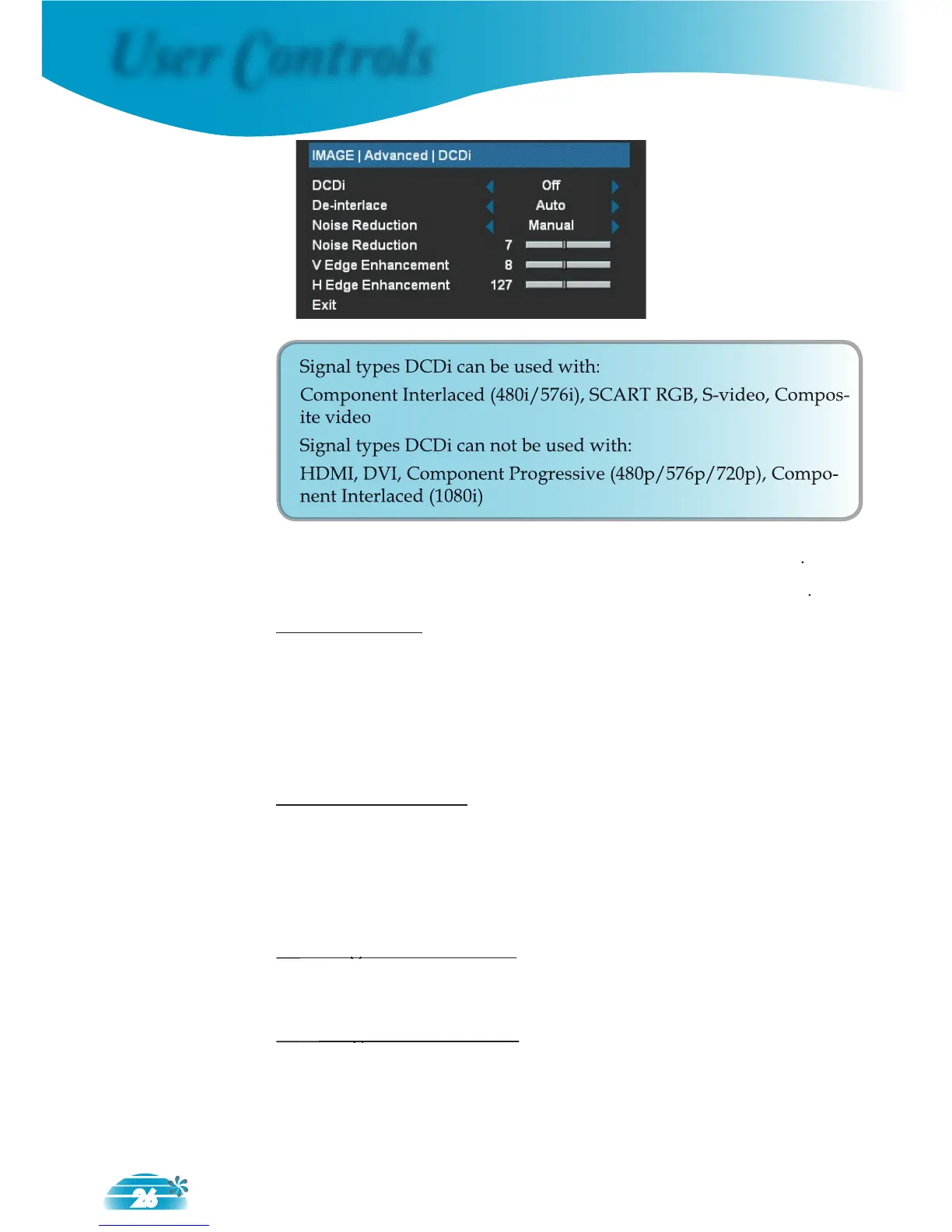
Signal types DCDi can be used with:
Component Interlaced (480i/576i), SCART RGB, S-video, Compos-
Signal types DCDi can not be used with:
HDMI, DVI, Component Progressive (
On: Enables DCDi functions with compatible signal types
Disables DCDi functions with compatible signal types
This function converts an interlaced video signal into a progressive
Auto: Automatically switch the mode of Deinterlace.
Video: Switch Deinterlace mode to video mode for video source
or TV source.
Noise Reduction
The motion Adaptive Noise Reduction reduces the amount of vis-
ible noise ininterlaced signals.
Auto: Automatically detect and adjust the noise.
Manual: The range is from “0 ” to “15”.
Adjust the vertical Edge Enhancement in the image. The range is
from “0” to “16”.
Adjust the horizontal Edge Enhancement in the image. The range is
from “0” to “255”.



 To Next Page