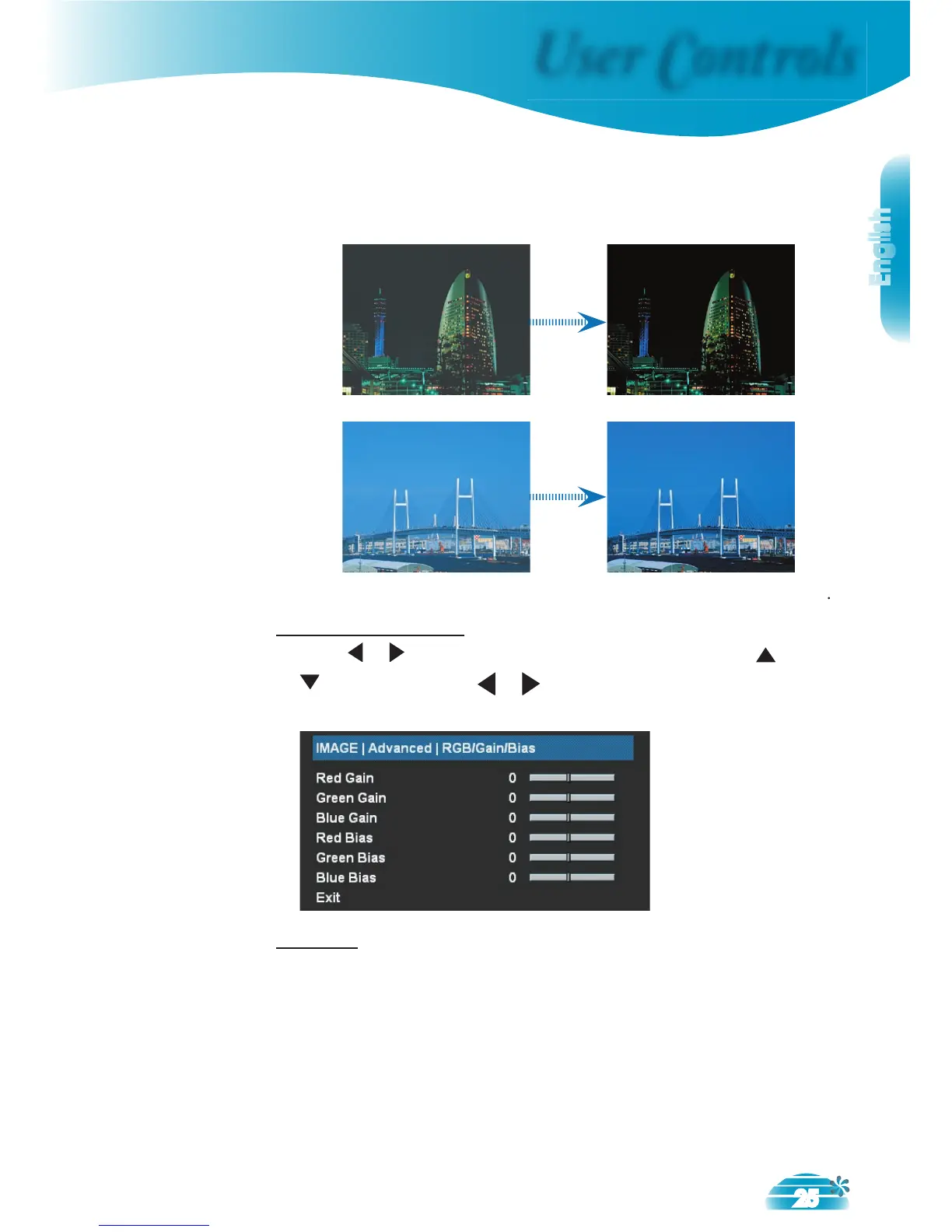
The dynamic image performance manager is active in
making sure your greatest pleasure from seeing a movie
dynamically with the most dark details revealed, vivid and
bright image performed all the way.
The dynamic image performance manager is on standby
RGB/Gain/Bias
Press or into the next menu as below and then use or
to select Red, Green, or Blue for
brightness (Gain) and contrast (Bias).
- Directional Correlation De-Interlacing by Faroudja.
DCDi technology helps to remove jagged edges that appear
when interlaced sources are viewed on a projector.
Note – The DCDi function can only be used with interlaced
video signals. If the video that the projector is displaying is not
interlaced this menu option will not be visible.



 To Next Page