Condential
5-8
ML300
5-3-2 USB Driver Upgrade
Procedure
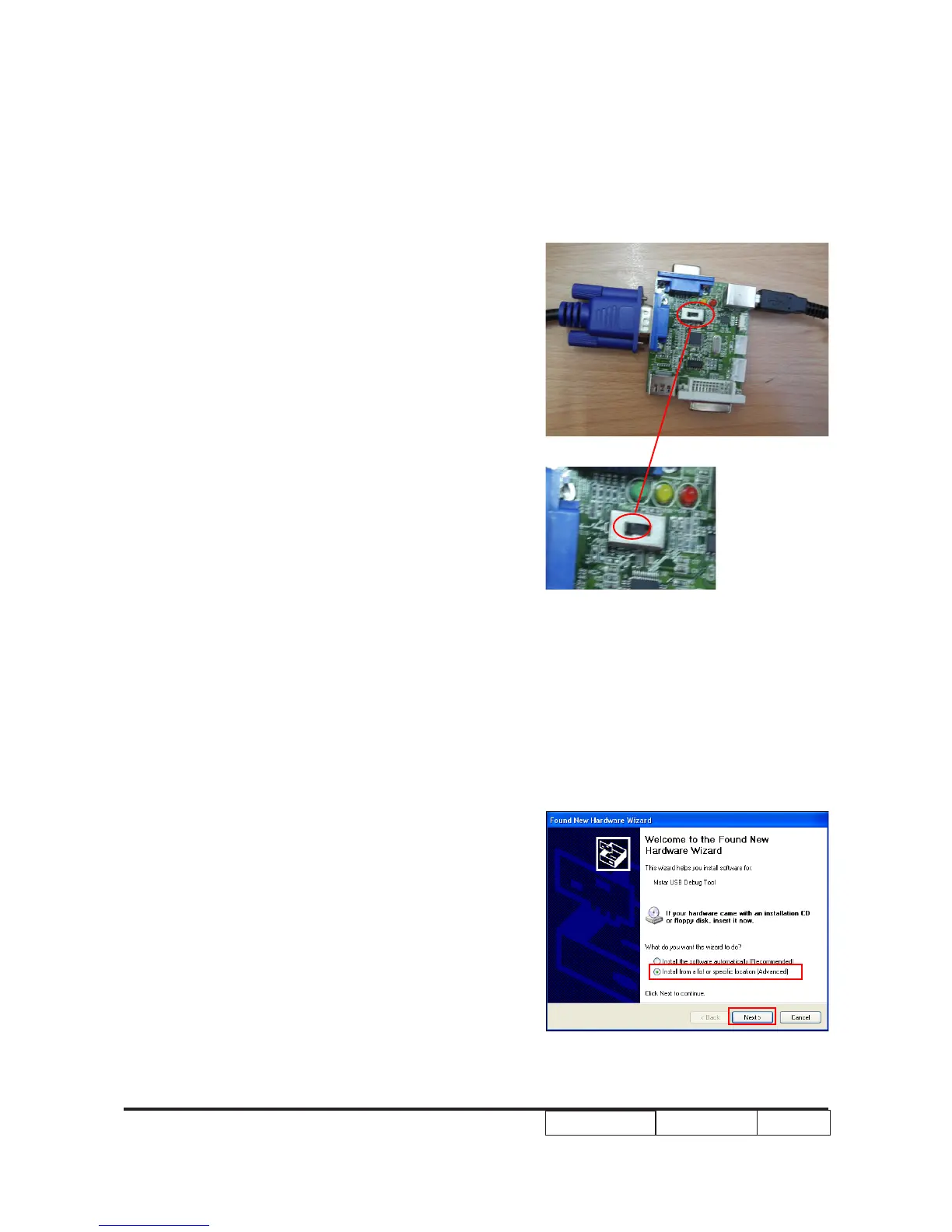
1. Set-up
(1) Insert one side of the VGA cable into the
debug board and connect it to PC by
USB cable.
Note:-The VGA cable is special,the PN is
42.00200G004.
-The position of xture’s pin as right
picture shown.
(2) Insert another side of the VGA cable and
power cable into projector.
2. Execute Program
(1) “Found New Hardware Wizard” picture will
appear on the screen.
(2) Select “Install from a list or specic
location (Advanced)”.
(3) Click “Next”.



 To Next Page