Condential
5-10
ML300
5-3-3 MST7286 Firmware
Upgrade Procedure
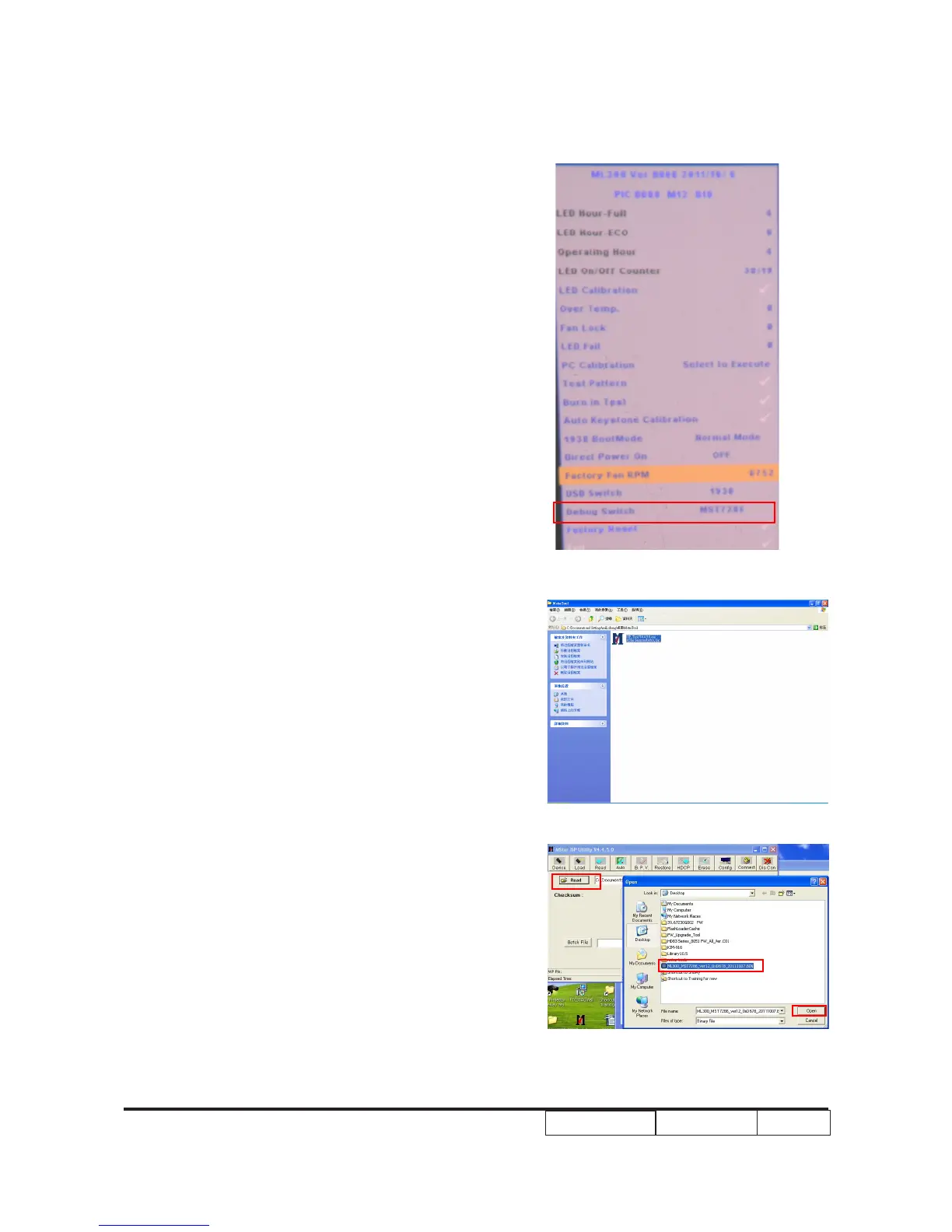
1. Press “power button” and power on the
projector.Enter into the Service Mode (“Up”->“
Home”->“Down”->“Zoom”),then
select "Debug switch ",select "MST7286"
2. Unzip the “Mstar Tool.zip” and double click
“ISP_Tool V4.4.5.0.exe”
3.- Select "Read" to search the FW le.
- Select "Open"



 To Next Page