Condential
5-17
ML300
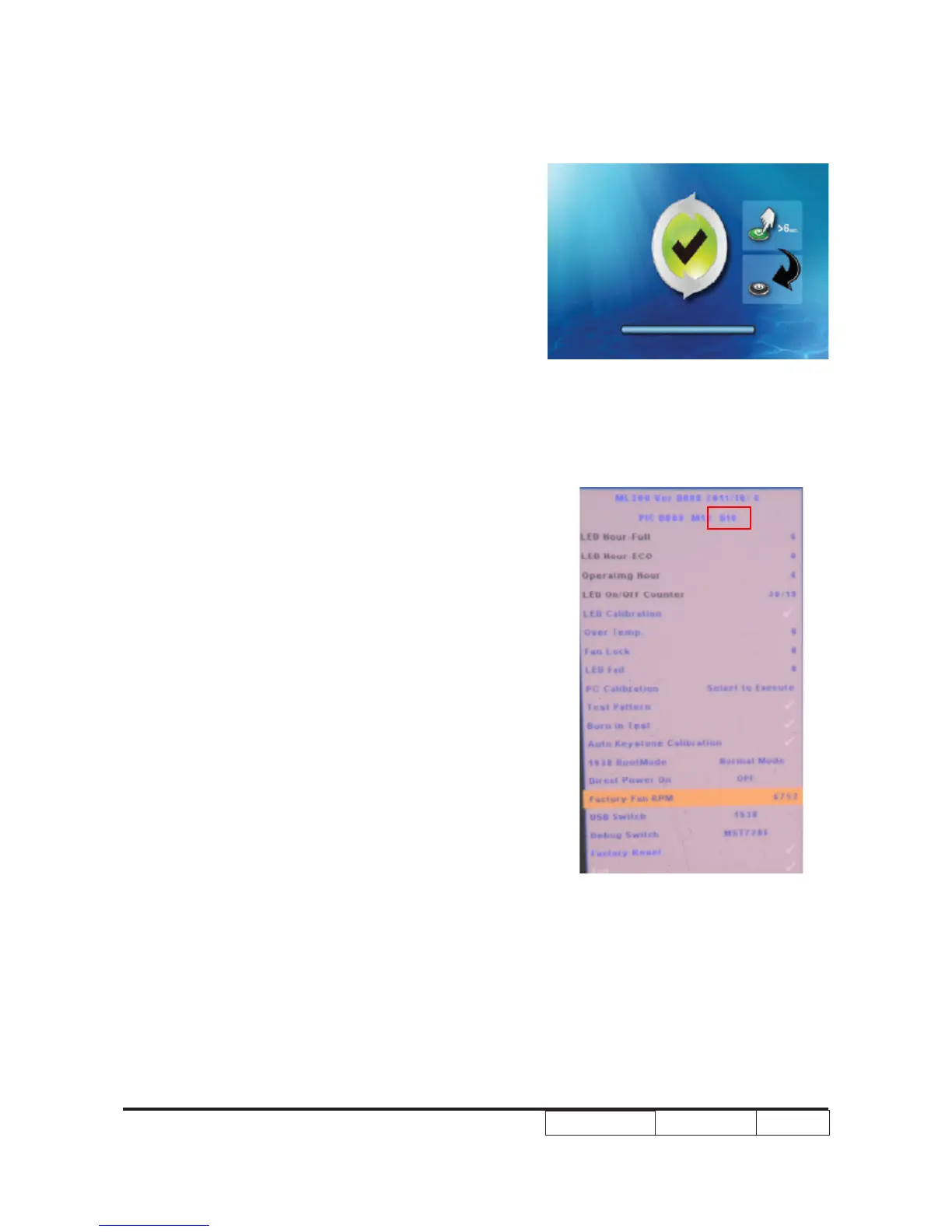
9. When the screen below appears, update is
complete. Press and hold the Power button for
6 seconds to turn off the projector
5-4-3 Check FW version
1. Restart the unit and enter the Service Mode
(Press “Up”->“Home”->“Down”->“Zoom”
of remote control)
2. The rmware version will be shows as red
square .



 To Next Page