Enabling Kerberos Authentication
6-6 Oracle Database Advanced Security Administrator's Guide
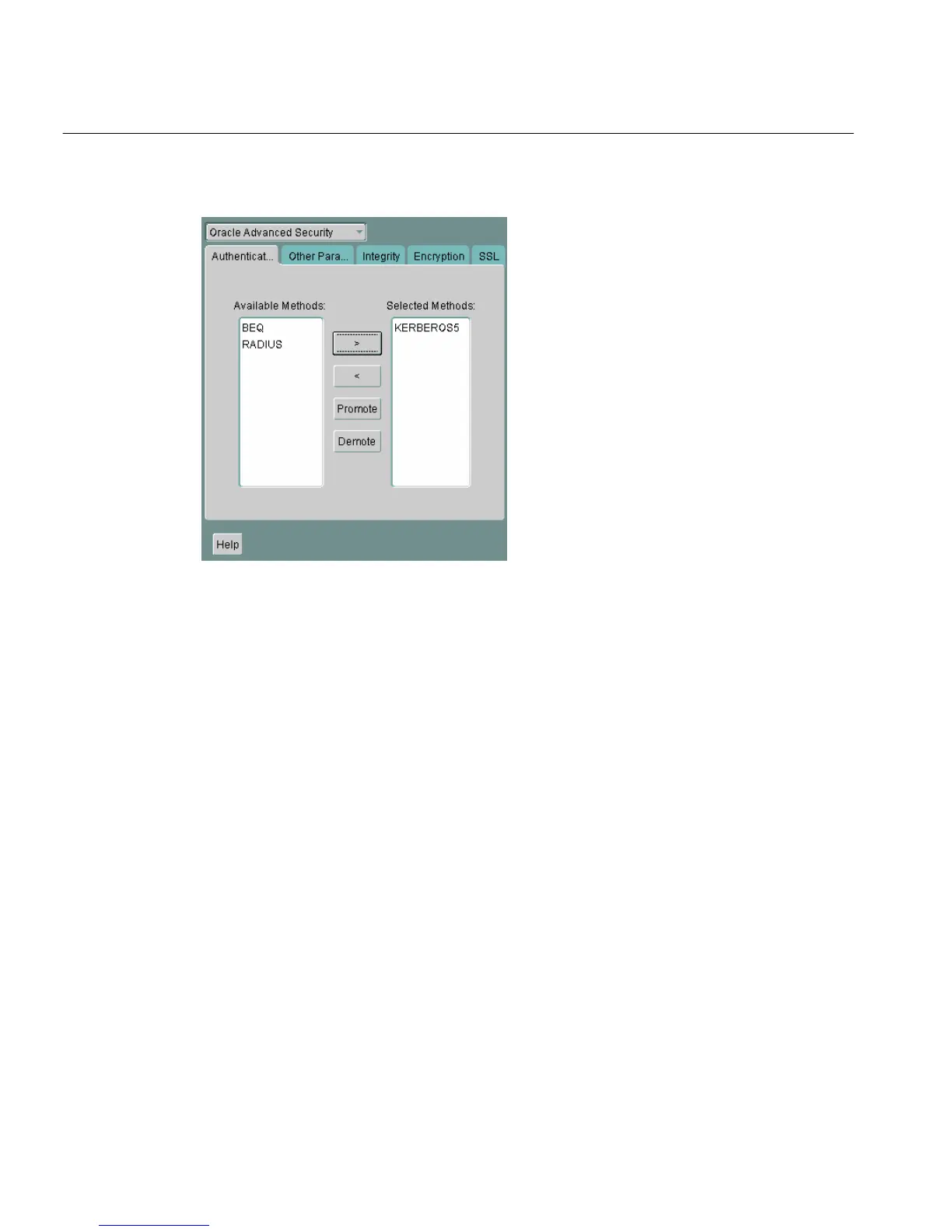
Figure 6–1 Oracle Advanced Security Authentication Window (Kerberos)
2.
Choose the Authentication tab.
3. From the Available Methods list, select KERBEROS5.
4. Move KERBEROS5 to the Selected Methods list by clicking the right arrow (>).
5. Arrange the selected methods in order of use. To do this, select a method in the
Selected Methods list, then click Promote or Demote to position it in the list.
For example, if you want KERBEROS5 to be the first service used, move it to the
top of the list.
6. Choose the Other Params tab (Figure 6–2).



 To Next Page