Enabling Kerberos Authentication
Configuring Kerberos Authentication 6-7
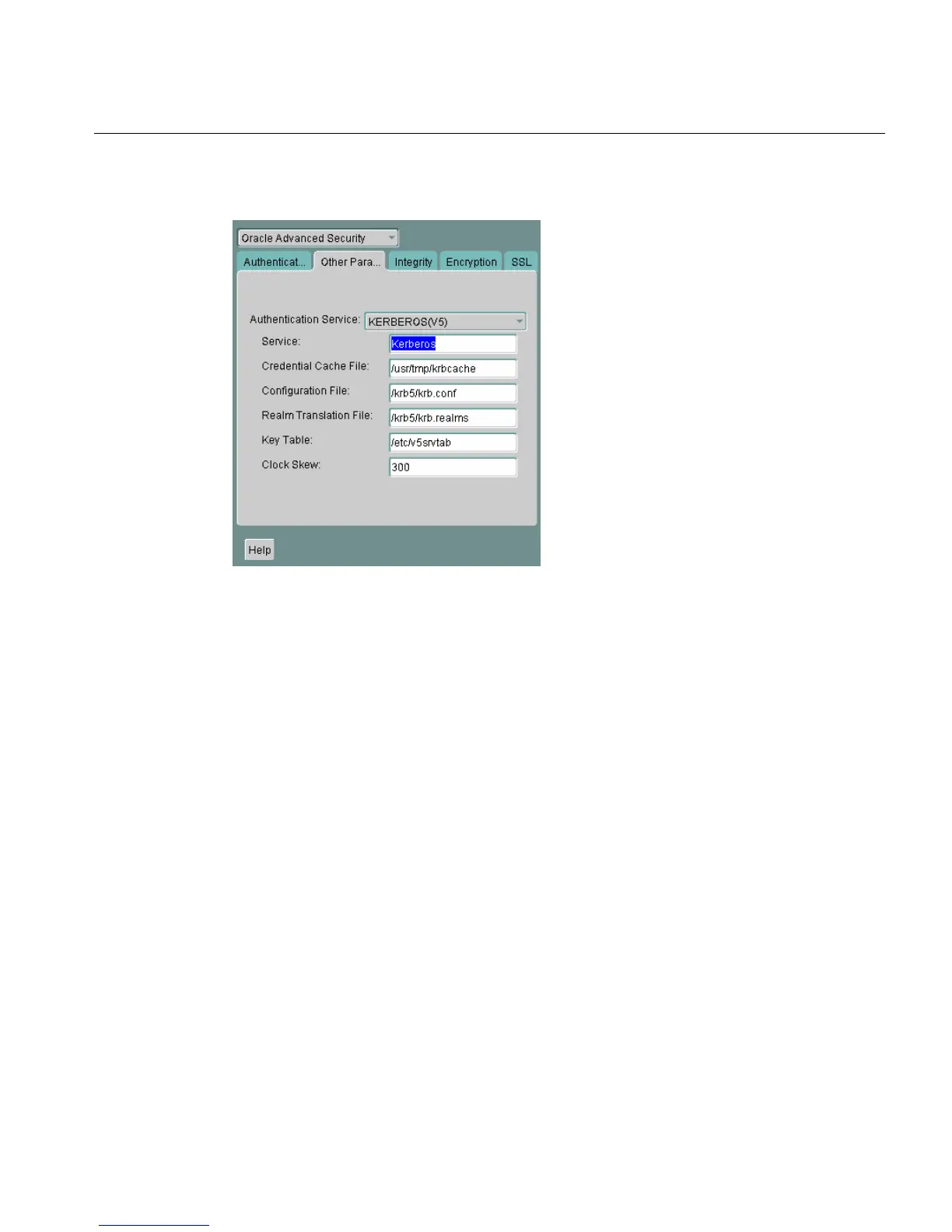
Figure 6–2 Oracle Advanced Security Other Params Window (Kerberos)
7.
From the Authentication Service list, select KERBEROS(V5).
8. Type Kerberos into the Service field. This field defines the name of the service
Oracle Database uses to obtain a Kerberos service ticket. When you provide the
value for this field, the other fields are enabled.
9. Optionally enter values for the following fields:
■ Credential Cache File
■ Configuration File
■ Realm Translation File
■ Key Table
■ Clock Skew
10. Choose File > Save Network Configuration.
See Also: Oracle Net Manager online help, and "Step 3: Set
sqlnet.ora Parameters (optional)" on page 6-8, for more information
about the fields and the parameters they configure



 To Next Page