27
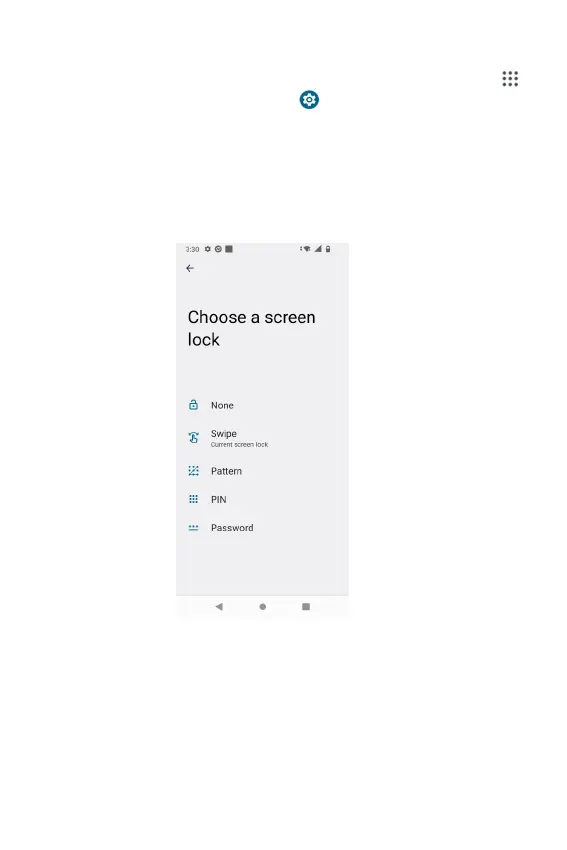
Activating Secure Screen Lock
1. From the Home screen, Swipe up to reveal all your Apps
> then nd and tap Settings > Security > Screen lock.
• If you have already congured the screen lock, tap
Screen lock to change.
2. Tap Pattern, PIN, or Password.
3. Enter the custom pattern, PIN, or password as prompted.
• If you select ‘None’, the screen unlock security will be
cancelled.



 To Next Page