33
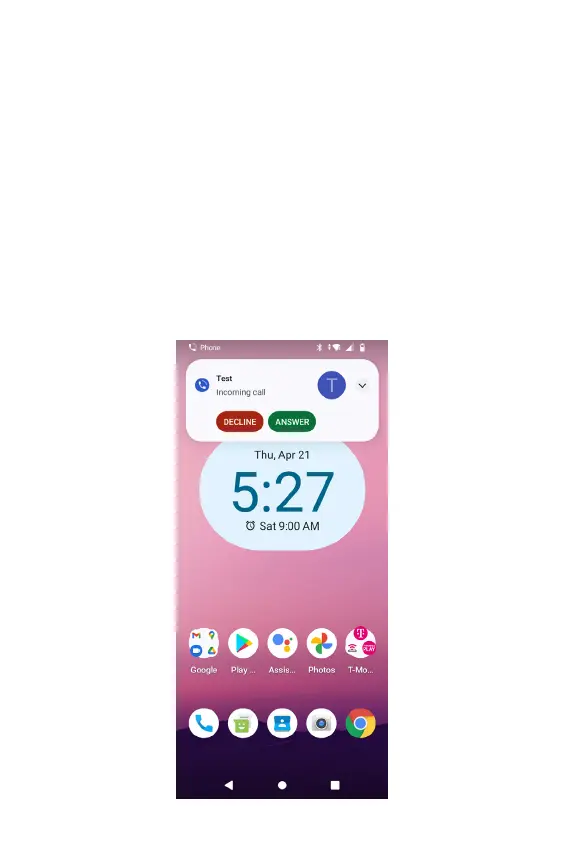
Answering or declining an incoming call
1. A notication of an incoming call will appear towards the top
of the screen.
2. Press DECLINE to reject the call or press ANSWER to
answer the call.
• If you were already in a call, the rst call is placed on
hold during answering the new call.
To silence the ringer before answering the call, press either of the
volume keys.
NOTE: The caller you reject is sent directly to your voicemail box to
leave a message.



 To Next Page