51
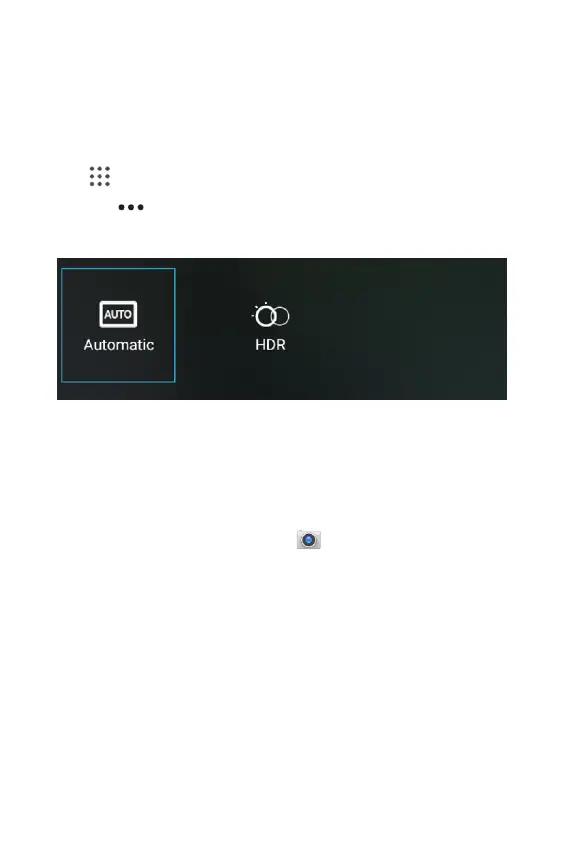
Camera fast menu
When in camera mode, settings are displayed on the screen. Be-
fore taking the photo, you can adjust your camera settings or leave
the controls in automatic mode.
1. From the Home screen, Swipe up to reveal all your Apps
> then nd and tap on Camera.
2. Tap
to open the oating menu.
Camera Settings
Before capturing a picture or video, you can adjust the camera
settings to suit your preferences.
• From the Home screen > tap
> Settings on the top left
corner of the screen.
• Customize the settings based on your preferences.



 To Next Page