35
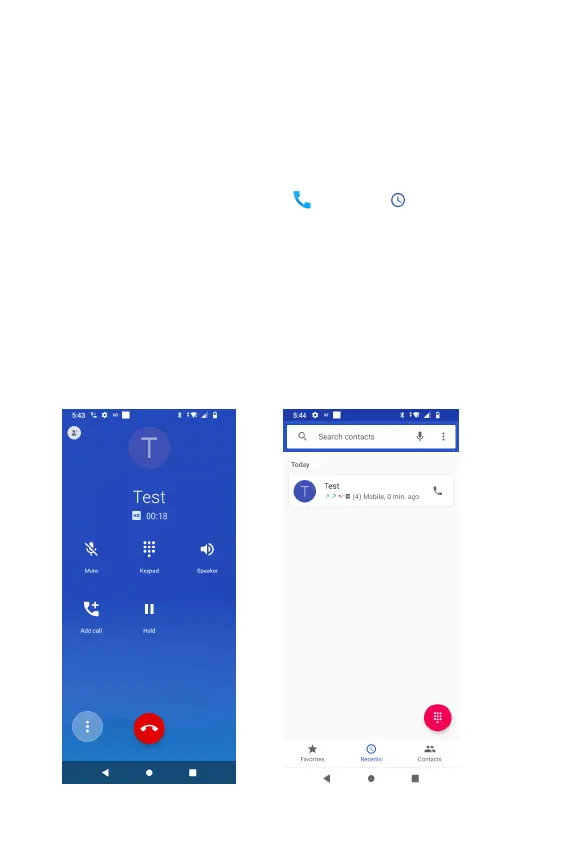
Using the Recent Call Menu
The phone stores the numbers of all incoming and outgoing calls in
the Call log. The recent call displays the details of the call including
time, date, and duration.
Opening the Recents menu
1. From the Home screen, tap Phone > Recents.
• Calls are listed with the most recent at the top. Calls of
the same phone number are grouped together. Scroll
to view earlier entries in the log.
NOTE: You can tap and hold the desired number in the call log list
to select options such as Copy number, Edit number before call,
Block number, and Delete.



 To Next Page