17
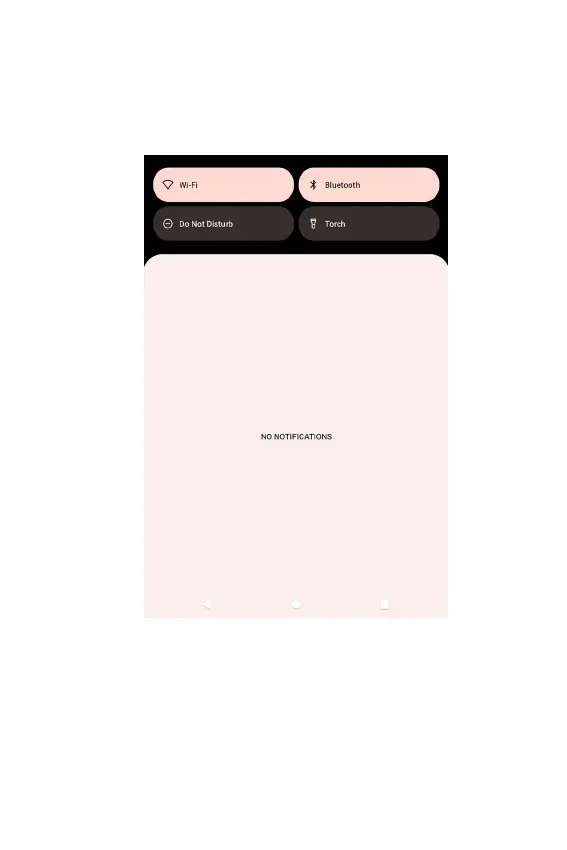
Viewing and Responding to Notifications
1. Tap and hold the Status bar, and slide your nger downward
to open the Notications panel.
2. If you have multiple notications, you may have to scroll
through them all.
3. Tap the desired notication to respond.
4. To close the notication panel, drag the bottom bar of the
panel or tap Back.



 To Next Page