26
NOTE: If you have set up a screen unlock pattern, pin, or password,
you will be asked to draw the pattern on the screen or enter the
PIN or password to access the Orbic TAB8 4G.
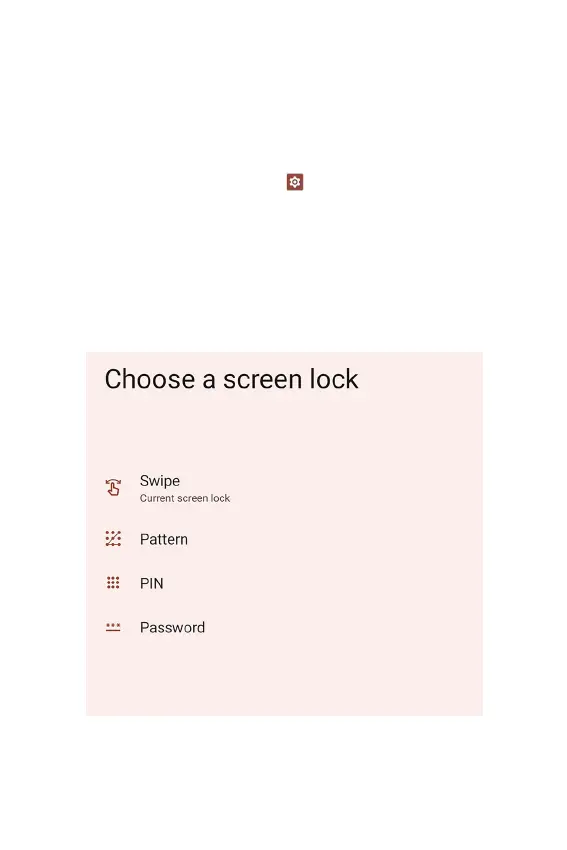
Configuring the Screen Lock
1. From the Home screen, swipe up to reveal all your Apps >
then nd and tap Settings > Security > Screen lock.
• If you have already congured the screen lock, tap
Screen lock to change.
2. Tap Pattern, PIN, or Password.
3. Enter the custom pattern, PIN, or password as prompted.



 To Next Page