35
Opening the Call History Menu
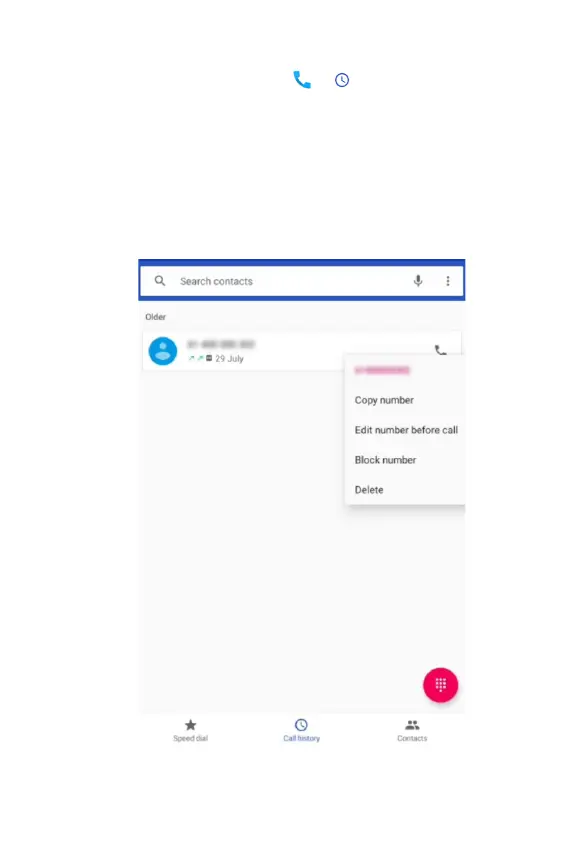
1. From the Home screen, tap > Call history.
• Calls are listed with the most recent at the top. Calls of the
same phone number are grouped together. Scroll to view
earlier entries in the log.
NOTE: You can tap and hold the desired number in the call log list
to select options such as Copy number, Edit number before call,
Block number, Delete.



 To Next Page