EasyManua.ls Logo

Orbit OBE794 - Parts List

Orbit OBE794
11 pages
Print Icon
To Next Page IconTo Next Page
To Previous Page IconTo Previous Page
Loading...
Page 4
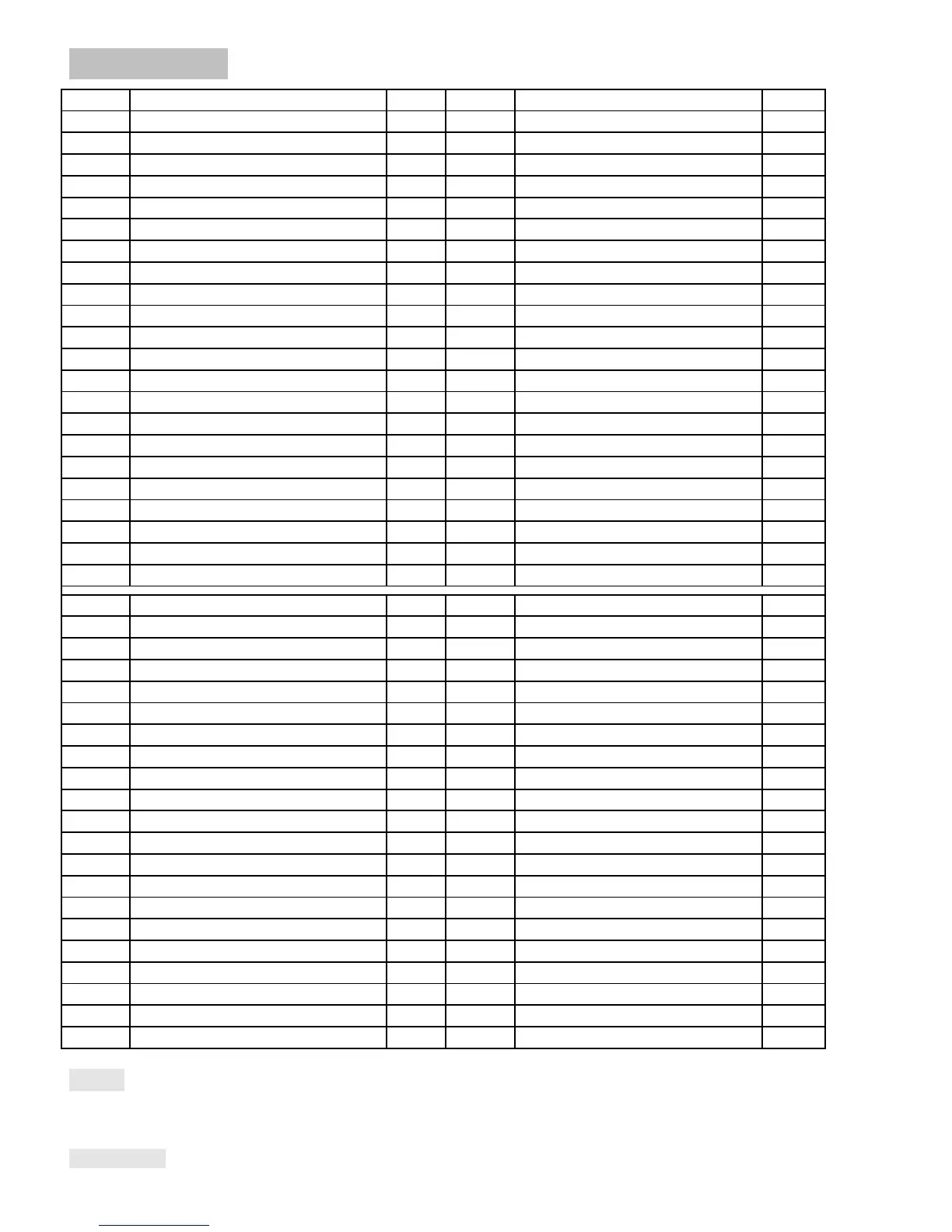
PARTS LIST
NO. DESCRIPTION Q’TY
NO.
DESCRIPTION
Q’TY
1 Main frame 1
23
S
p
rin
g
washer
4
2 Handlebar Post 1
24
Axle sleeve
10
3 Front stabilizer 1
25
Connectin
g
j
oint 2
4 Rear stabilizer 1
26
Flat washer
4
5L/
R
Pedal tube 1
.r.
27
S
p
rin
g
washer
4
6L/
R
Swin
g
tube 1
.r.
28
Hex bolt
4
7L/R Handlebar 1
.r.
29
Round ca
p
2
8 Handrail 1
30
Round ca
p
4
9 Meter 1
p
r.
31
Hex bolt
2
10L/
R
Pedal 1
p
r.
32
Flat washer
6
11 Front End Ca
p
2
33
N
y
lon nut
6
12 Carria
g
e bolt 4
34
Hex bolt
4
13 Arc washer 10
35
End ca
p
4
14 Rear End Ca
p
2
36
Hex bolt
2
15 Cross
p
an head screw 4
37
Thin n
y
lon nut
2
16 Inner hexa
g
on bolt
6
38
End ca
p
2
17 Sensor 1
39
Lon
g
axle
1
18
Lower tension control cable
1
40
Nut
8
19 Front Cover 1
41
Arch washer
12
20 Connection wire 1
42
S
q
uare bolt
4
21L/
R
Crank 1
.r.
43
Foam
g
ri
p
2
22 S
p
acer 2
44
R
ound ca
p
2
45
R
ound ca
p
2
46
Pulse sensor wire 2.
47 Bolt 4
48
Handrail foam
g
ri
p
1
49 Bolt 2
50
bolt
1
51 Arch washer 1
52
Tension control
1
53 Hex bolt 1
54
Sensor
1
55 Cross
p
an head 2
71 Fl
y
wheel axle 1
56L/R
Handlebar cover 1
p
.r.
72 Hex bolt 2
57 Hex bolt 4
73 S
p
rin
g
washer 2
58 Belt
p
ulle
y
1
74 S
p
rin
g
tension 1
59 Middle axle 1
75 Ma
g
netic board 1
60 Flat washer 6
76 S
q
uare ma
g
netic 8
61 S
p
rin
g
washer 6
77 Ma
g
netic board axle 1
62 N
y
lon nut 4
78 Belt 1
63 Hex nut 2
79 Cross
p
an head 23
64 Bolt 2
80L/R Chain cover 1
p
.r.
65 U washer 2
81 Small
p
lastic cover 2
66 Hex nut 2
82 Turntable cover 2
67 Nut 2
83 Flan
g
e nut 2
68 Bearin
g
2
84 S
p
rin
g
washer 2
69 Fl
y
wheel 1
85 Bearin
g
2
70 S
p
acer 1
86 Hex bolt 1
NOTE:
Most of the listed assembly hardware has been packaged separately, but some hardware items have been preinstalled
in the identified assembly parts. In these instances, simply remove and reinstall the hardware as assembly is required.
Please reference the individual assembly steps and make note of all preinstalled hardware.
PREPARATION: Before assembling, make sure that you will have enough space around the item; Use the present tooling

Related product manuals