Owner’s Manual of Computer
The monitor is designed for programmable magnetic bike and elliptical trainer and introduced with
the following categories:
- Key Functions
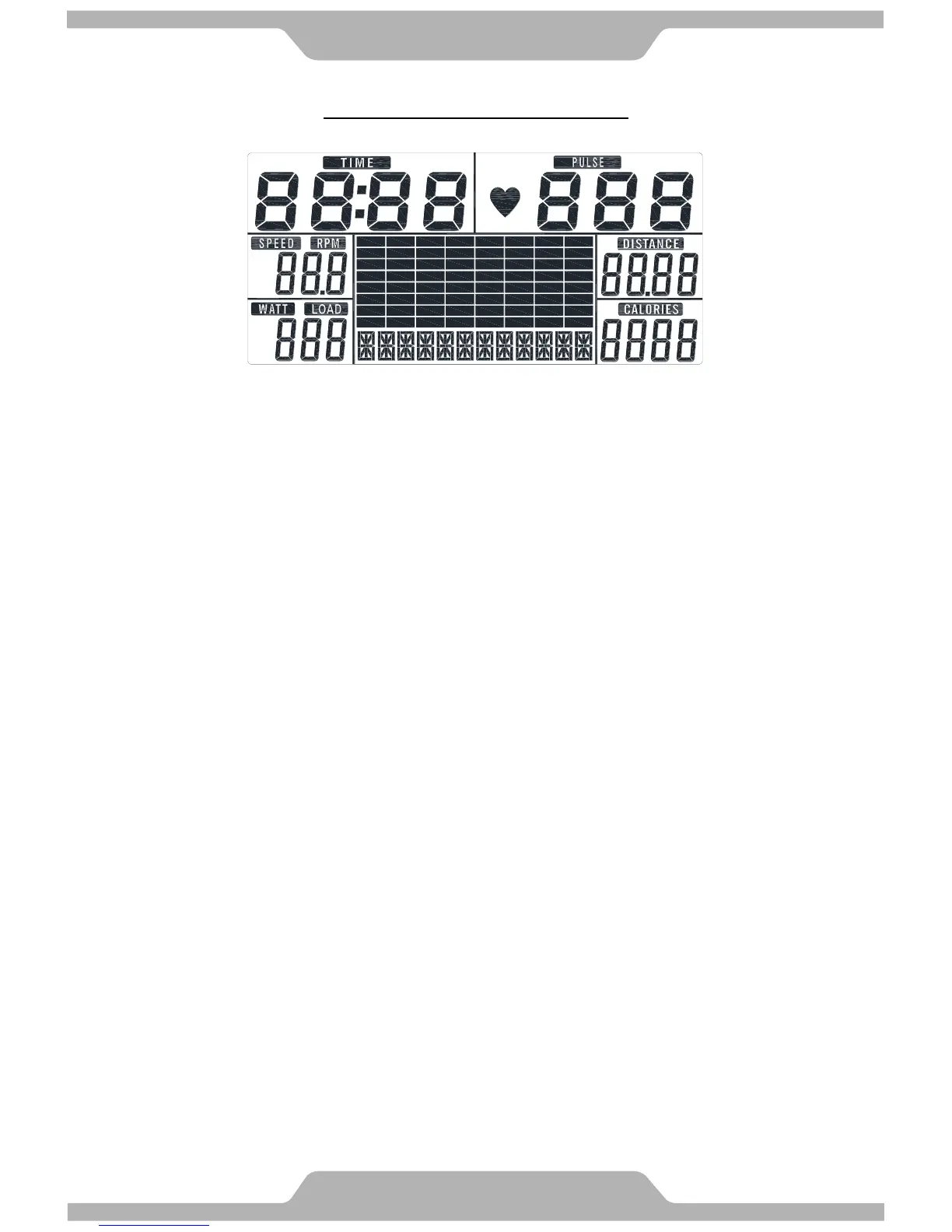
- Displays
- Operating Ranges
- Notice Before Exercise
- Operation Instructions
● Key Functions
There are total 6 keys including UP, DOWN, RESET, START/STOP, RECOVERY, and MODE.
A. UP:To select training mode and adjust function value up.
B. DOWN:To select training mode and adjust function value down.
C. RESET:In stop mode, press the button back to main menu.
D. START/STOP:To start or stop exercise.
E. RECOVERY:To test hear rate recovery status.
F. MODE:In stop mode, the mode is to confirm all exercise data setting, and enter into
program.
● Display
A. Operation:
Power On
Plug in power supply, computer will power on and display all segments on LCD for 2
seconds.
After 4 minutes without pedaling or pulse input, console will enter into power saving mode.
Press any key may wake the console up.
B. Level:
Indicates the level of loading selected from LEVEL 1 to LEVEL 16.



 To Next Page