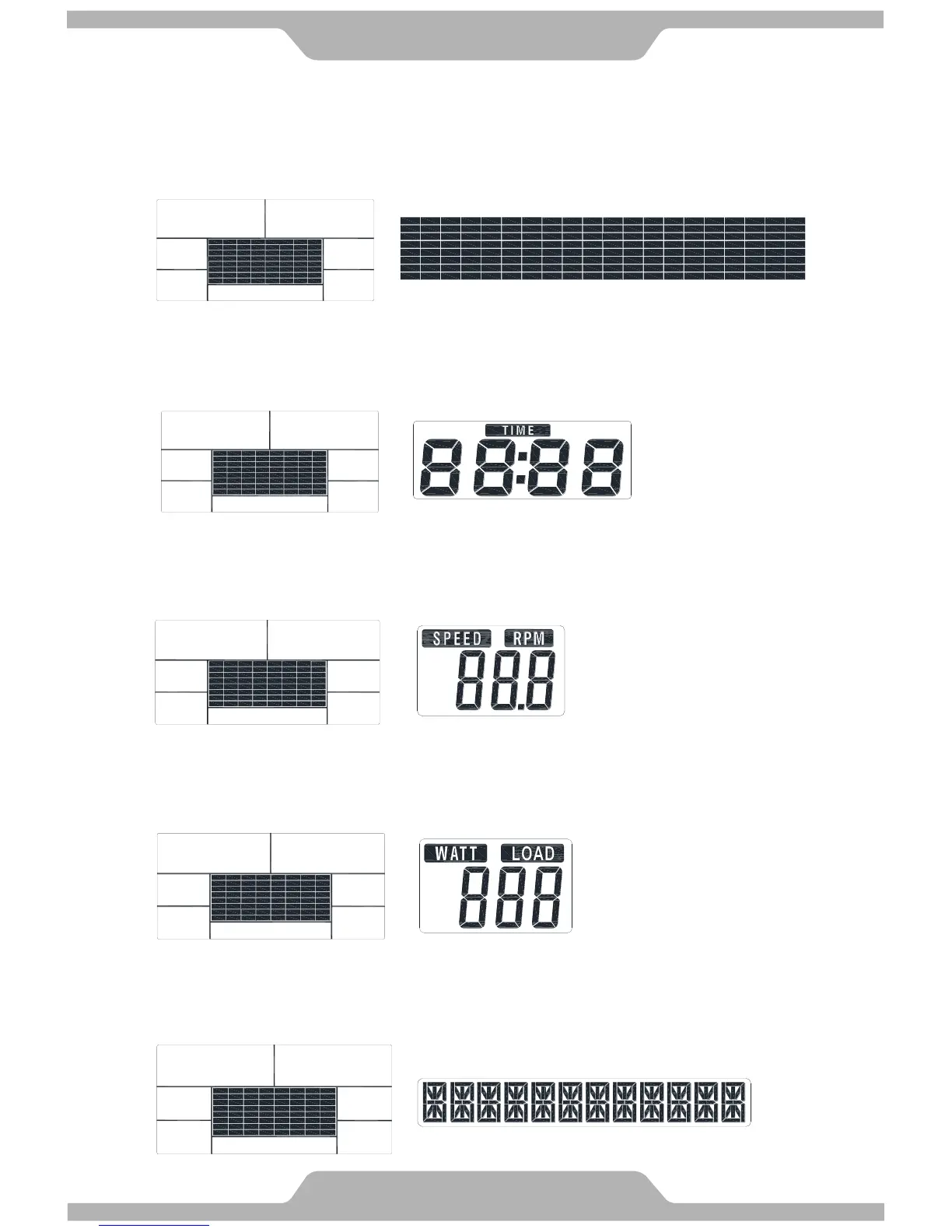
C. Loading Profiles:
There are 20 columns of loading bars, and 8 bars in each column. Each column represents
0.1 km workout (without the change of TIME value), and each bar represents 2 levels of
loading.
D. TIME Display:
Indicates the TIME displayed.
E. SPEED/RPM Display:
Indicates the value of RPM and SPEED.
F. WATT/LOAD Display:
Indicates the value of WATT and LOAD.
G. Message Display:
Indicates that the message displayed.



 To Next Page