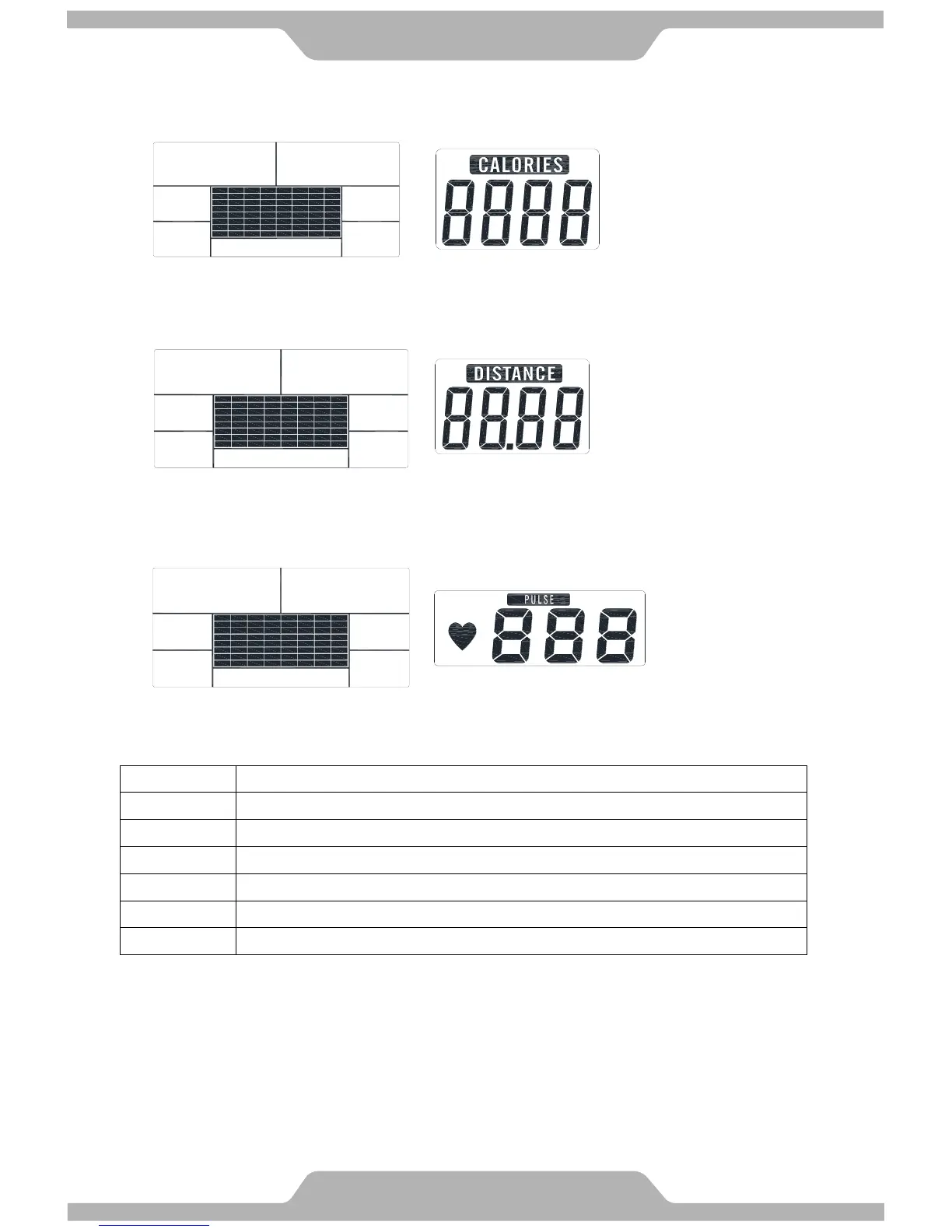
H. CALORIES Display:
Indicates the value of CALORIES.
I. DISTANCE Display:
Indicates the value of DISTANCE.
J. PULSE Display:
Indicates the value of PULSE.
● Operating Ranges
Display Exercise Data:
Display range 0:00~99:99 ; Setting range 0:00~99:00.
Display range 0.00~99.99 ; Setting range 0.00~99.90km.
Display range 0~9999 ; Setting range 0~9990.
Display range P-30~230 ; Setting range 0-30~230.
Display range 0~999 ; Setting range 10~350.
● Things You Should Know Before Exercising
A. The values calculated or measured by the computer are for exercise purpose only, not for
medical purpose.
B. Please note that only 1 value of TIME or DISTANCE can be adjusted. Both adjustments do
not exist at the same time. For example, the value of DISTANCE is “0” while of TIME is
adjusted to be any number except “00:00”.



 To Next Page