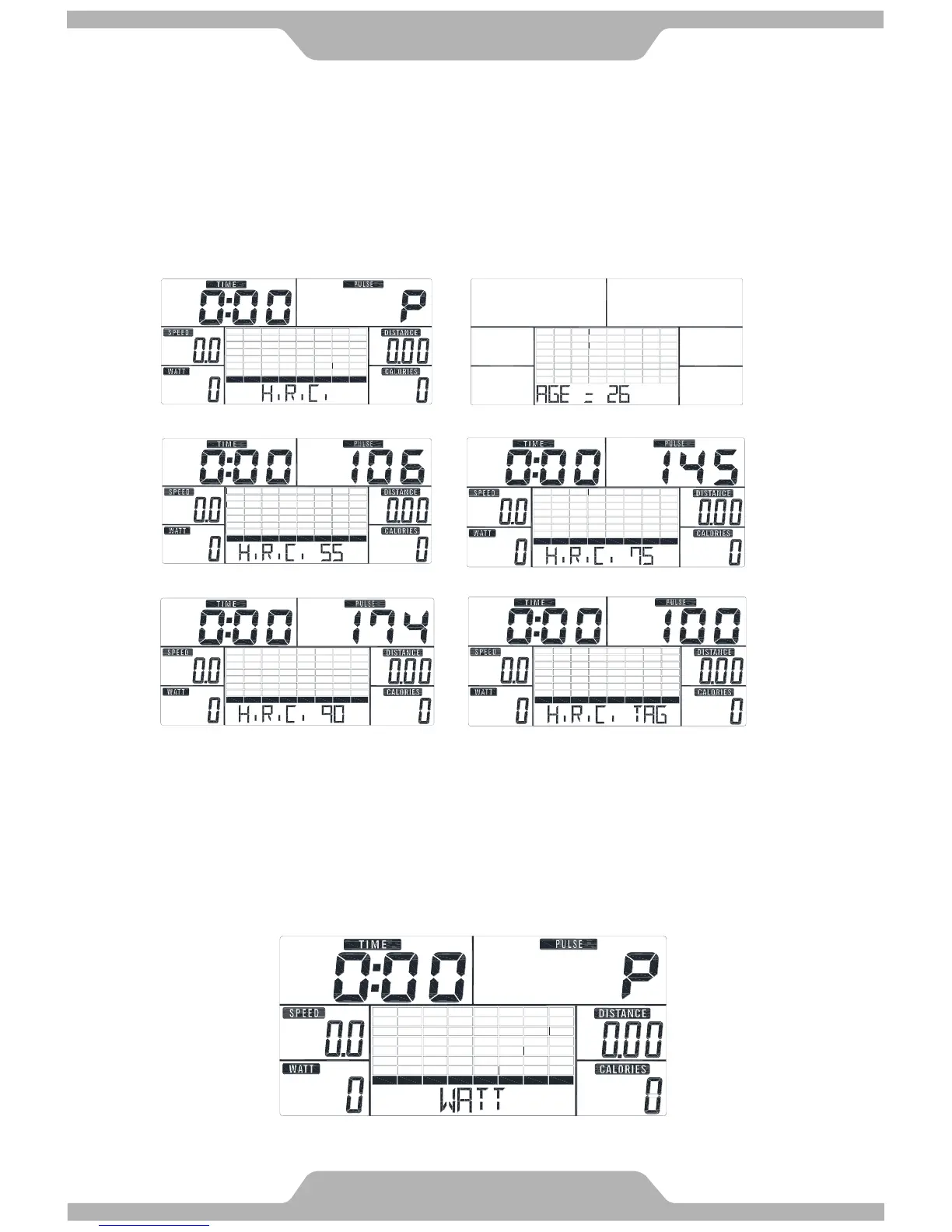
D. H.R.C. Mode:
1. Press UP or DOWN to select workout program, choose H.R.C. and press Mode to enter.
2. Press UP or DOWN to preset user age.
3. Press UP or DOWN to select 55%, 75%, 90%, or TAG (TARGET H.R.) (default:100).
4. Press UP or DOWN to preset workout TIME.
5. Press START/STOP key to start or stop workout. Press RESET to reverse to main
menu.
E. WATT Mode:
1. Preset UP or DOWN to preset WATT and press MODE to confirm.
2. Press UP or DOWN to preset WATT target. (default:120)
3. Press UP or DOWN to preset TIME.
4. Press START/STOP key to start workout. Press UP or DOWN to adjust Watt level.
5. Press START/STOP key to pause workout. Press RESET to reverse to main menu.



 To Next Page