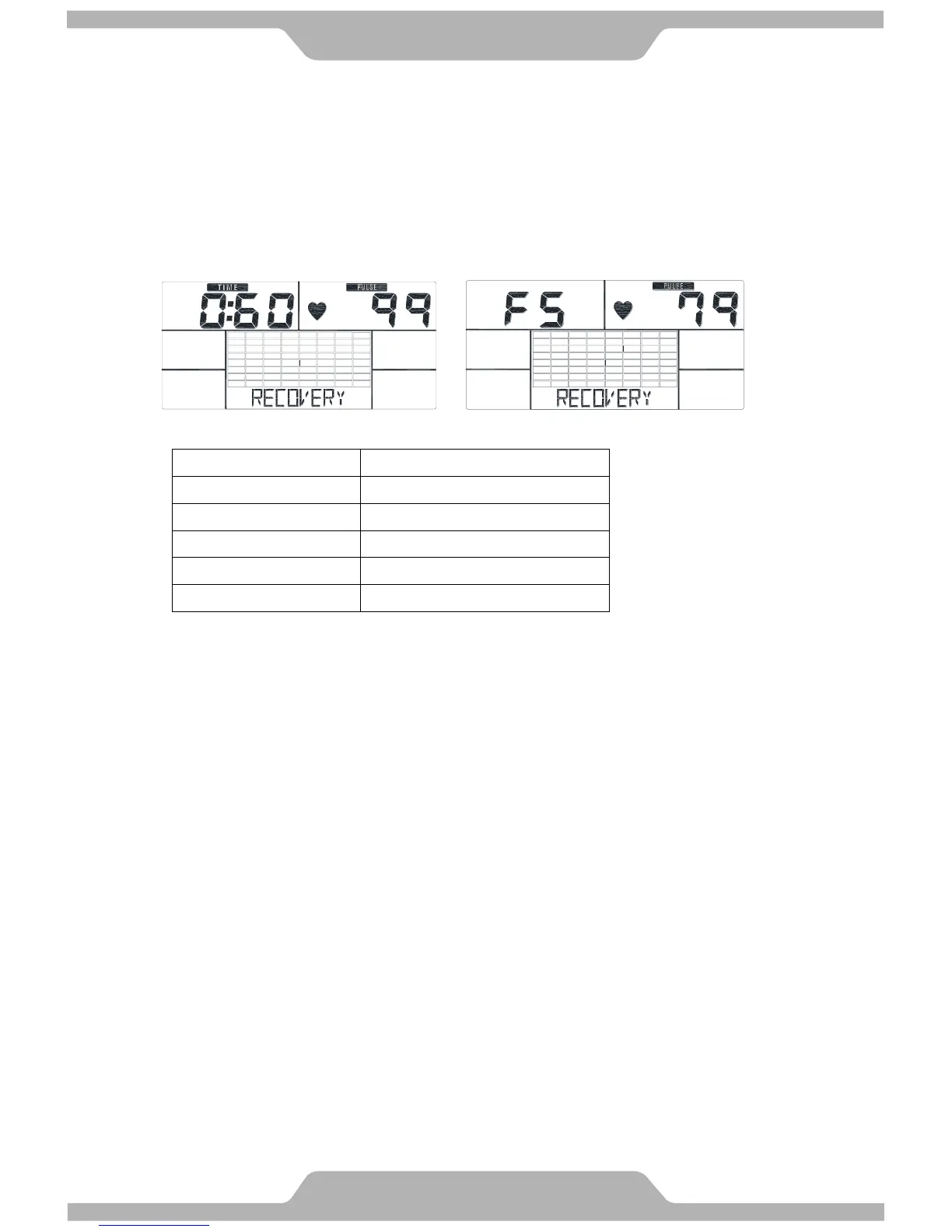
F. Recovery:
Monitor heart rate recovery status.
1. User must be holding the handgrip. When the pulse value is displayed on the computer,
press on the RECOVERY key.
2. TIME shows “0:60” (seconds) and count down.
3. Computer will show F1 to F6 after count down to 0 to test heart rate recovery status.
※ Please see the F level chart below to determine the recovery level.
G. Smart Phone/Tablet PC USB Charger:
Please connect your USB smart phone/tablet PC charger to the USB connector at the side
of the computer. You can charge your smart phone/ tablet PC on the smart phone/tablet PC
dock. The smart phone/tablet PC dock on the computer is for most of smart phones.



 To Next Page