The video player could be connected with Pen Drive, Mobile HDD,
MP3 player and all-in-one Card Reader, play MP3 music files, JPG
images files, 8-bit NES games files and some VCD, MPEG4 A/V files
in the above USB devices.
How to use:
1. Plug USB devices into the video
player’s USB jack , then switch on
power, press USB keys on the player,
the player starts to read data inside
USB devices. 4 Express Menus will
appear at the lower port of the screen,
they are MP3 files, JPG images files,
Games files and other files. Use direction key “Left” or “Right” on the
player or the remote controller could help you to choose the files you
want to view. On the other hand, the video player could read data
inside in the order of MP3, JPG, NES Games and other files.
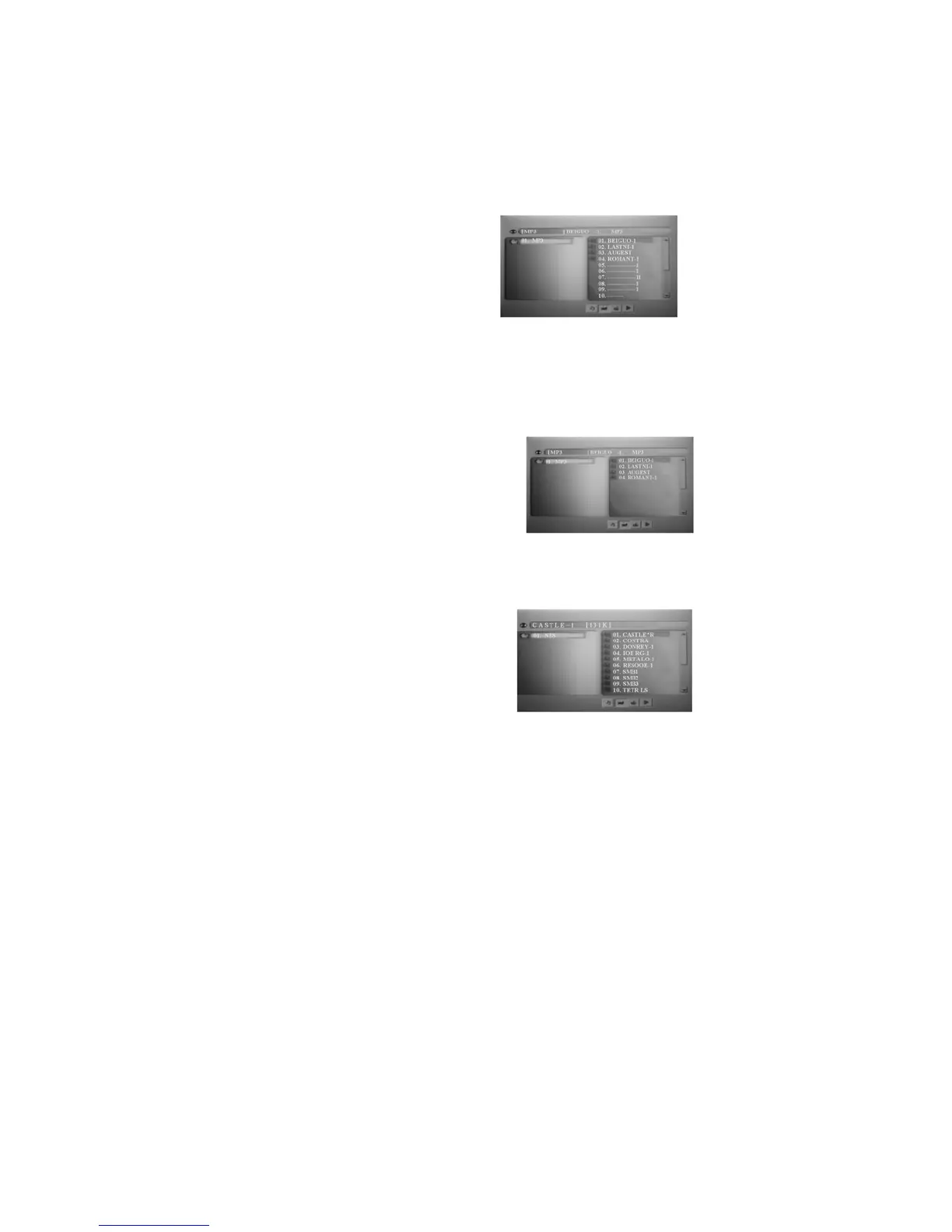
2. If there is MP3 files in the USB devices,
the video player could read MP3 files
automatically, and play automatically
program after program from the first one
in the first file. Now you could use
direction key on the player or the remote
controller to choose your favorite music to play. You could also go to
JPG files to enjoy JPG images, Games files to play games or go to
other files to enjoy A/V files through No. 2, 3, 4 express menu.
3. If there isn’t MP3 files inside USB
devices(Now MP3 logo among express
menu at the lower part of the screen is at
the mode of No Using). The video
player will read JPG images files
automatically, and the cursor chooses
the first images in the first file.


 To Next Page