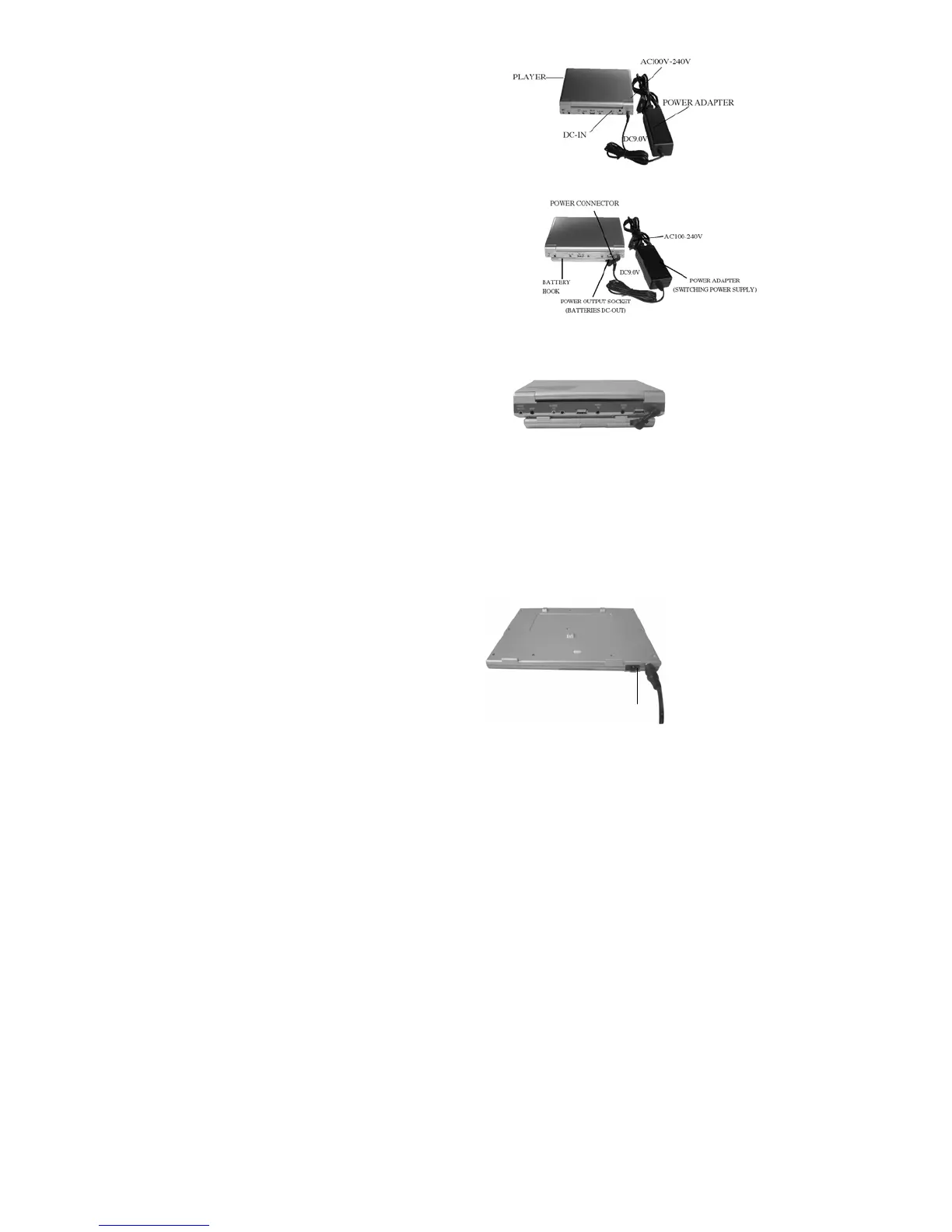
How to supply power to the player?
Put power adapter's output plug(DC
9V)into DC-IN of the player,
supply power to the player by batteries.
Use power connector’s plug to connect the
player and batteries, put power adapter's
output plug(DC 9V) into DC-IN of the
batteries.
How to connect the player with batteries
Use power connector to connect the player with batteries
How to supply power to batteries?
1. Insert output plug(DC 9V) of the power adapter into DC-IN of the
batteries.
2. Then insert input plug of the power adapter into AC power socket.
3. When charging indicator is off, the batteries are fully charged,
charging over.
OUTPUT
INPUT


 To Next Page