Play JPEG image
The player can play JPEG image with baseline format at largest
resolution 5120x3840 or with progressive format at resolution
2048x1536, press direction key to revolve image when playing JPEG
image, press key to adjust the image up and down, press key to
adjust the image left and right, press key to revolve the image to the
right at 90 degree, press key to adjust the image to the left at 90
degree, As to JPEG image with baseline format, may press ZOOM key
to open ZOOM control.
TV REVEIVING
BEFORE OPERATION
1. Connect to power.
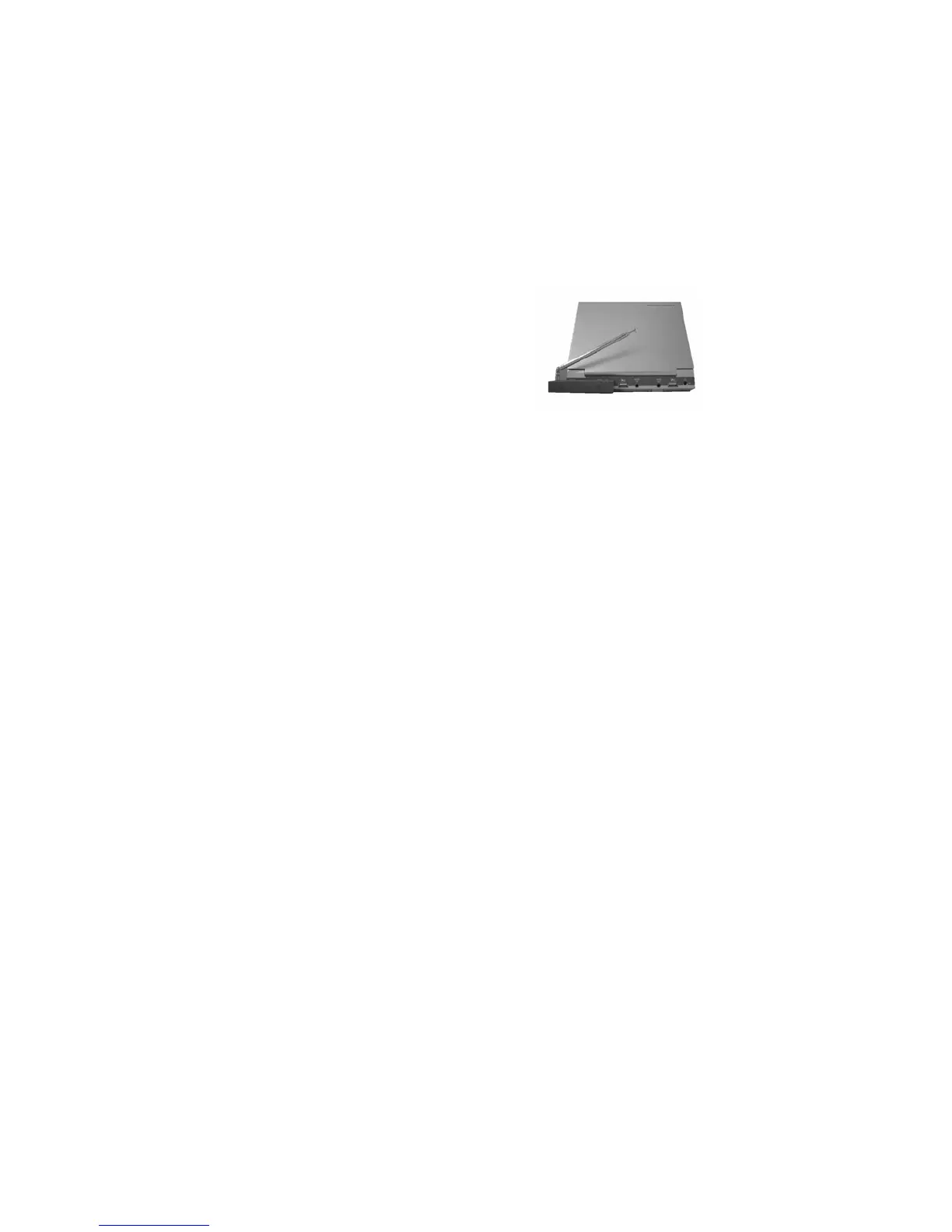
2. Connect external antenna or CATV.
3. Switch POWER to ON, when first
switching on power, the player is in DVD
status.
4. Press MODE key, switch to TV status.
5. Volume adjustment, Please revolve volume button.
AUTO SEARCH STATION
1.Go to system sub-menu to choose sound (D/K, I,B/G or M) or press
SYSTEM to choose sound system.
2. Press AUTO, the player will search TV programs automatically or
go to preset sub-menu to choose AUTO, then press
key.search is
over after searching for several minutes, when searching, TV system
of your player needs to be adjusted to your local TV system to save
TV channels after searching. For example, your local TV system is
PAL B/G, you should adjust the player’s TV system to PAL B/G,
then search.
4.When using antenna, adjust antenna’s length, direction and angle to
achieve best TV effect.
SKIP
Go to preset sub-menu to choose skip, change skip to YES, then
press CH± to skip the receiving channel, this function is for skip
over the channel with bad effect. If skip remains No, then that
channel can not be skipped.


 To Next Page