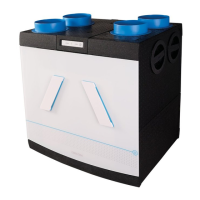
(adjustable) is measured, the fan will automatically start
to run faster in position 2 or 3 (adjustable). If the device
detects a decrease in humidity levels, than the afterrun is
activated for 15 or 30 minutes (adjustable). After this time,
the MVS-15RH returns to automatic mode.
CO
2
detection (devices with CO
2
room sensor only)
How does it work?
Depending on air quality (measured CO
2
levels in the
room), the CO
2
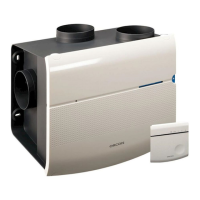
room sensor sends radio signals to the
MVS-15RH to extract more or less stale air from the
kitchen, bathroom and lavatory. As a result, a greater or
lesser volume of fresh air is sucked in through the (self-
regulating) grilles.
CO
2
room sensor, indication and control
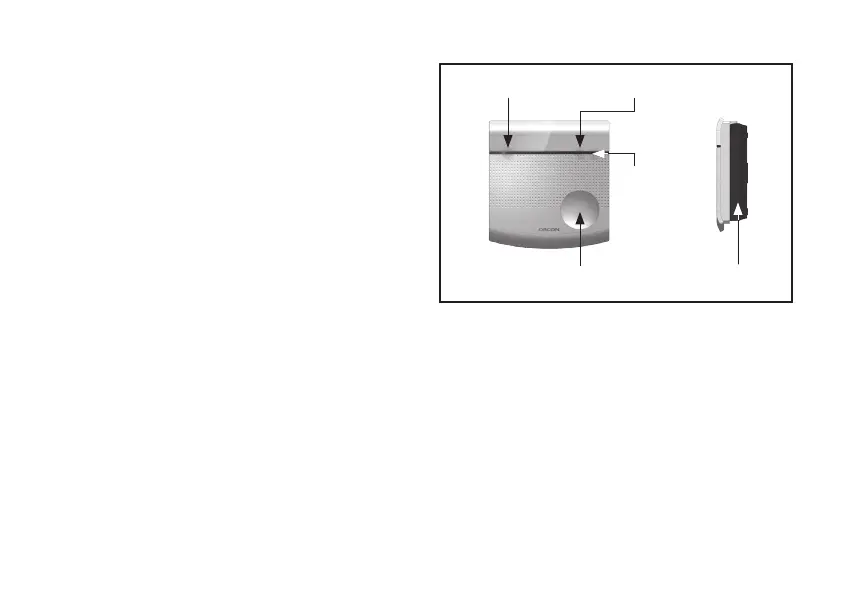
If the control button is pressed once, the LEDs show the
status. After 30 seconds, the LEDs will automatically turn
off. This prevents disturbance in a dark living area. If, after
being touched once, the control button is touched again,
the sensor will switch to a different mode. The switching
of mode is indicated by the green or blue LED on the top
right side of the CO
2
room sensor lighting up.
There are 2 options, namely:
- Energy-saving mode.
- Ultra-high performance mode
Energy-saving mode.
When the CO
2
room sensor is in this mode, the fan will
5
Status LED (red/green)
Control button Wall frame
LED Ultra-high
Performance
mode (blue)
LED energy-saving mode (green)
Fig. 2 Location LED and control button on CO
2
room sensor


 To Next Page