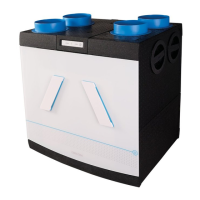
Remote control operation
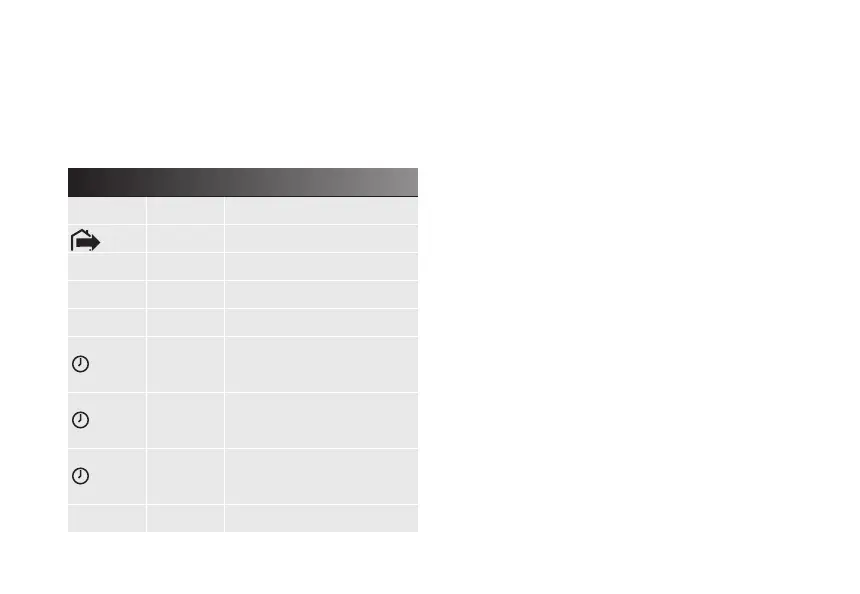
Your device is controlled by 6 buttons. The table below
explains the functions of these buttons.
Besides the 4 positions, this control also has intelligent
humidity and CO
2
detection (with optional CO
2
room sen-
sor). This is activated when automatic mode is selected.
Automatic mode (auto)
In auto mode, the device operates in accordance with
signals from the integrated humidity sensor and/or the
optional RF CO
2
room sensor(s).
Timer mode
In the timer mode, the device operates in the high position
for the required time, after which the device returns to
the last selected position. The timer can be cancelled by
selecting another button.
Absence mode
In the absence mode, the device runs in an extra energy-
efcient low position and does not respond to signals
from sensors.
Humidity detection
The fan continuously measures the humidity in the return
air, and compares it with the stored measurements for the
previous 3 minutes. If a difference of more than 5% or 10%
4
15RF Remote control user interface explanation
Button Control Function
1x short Absence mode
1 1x short Position 1 (low position)
2 1x short Position 2 (medium position)
3 1x short Position 3 (high position)
1x short
Position 3 (timer mode)
temporary 15 minutes
2x short
Position 3 (timer mode)
temporary 30 minutes
3x short
Position 3 (timer mode)
temporary 60 minutes
auto 1x short Automatic mode


 To Next Page