5
ENGLISH
Operation
continued
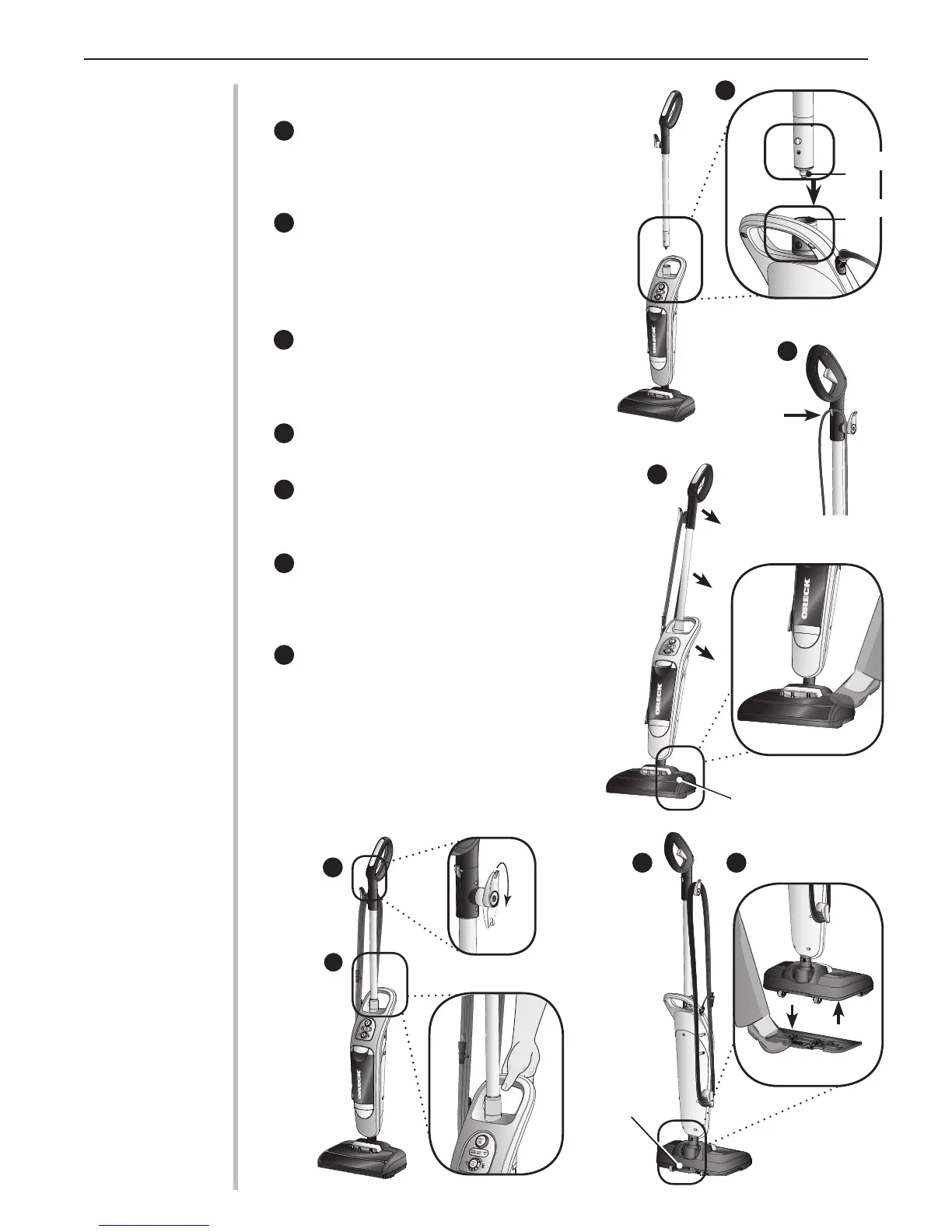
Assembling the Handle
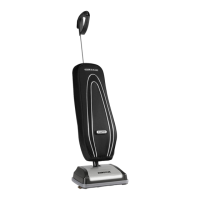
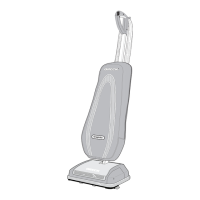
Align the connector tab at the bottom of
the Grab-It & Steam-It™ handle with the
receiving port on top of the unit. Insert until a
“snap” is heard.
Snap cord assembly into the cord clip located
on the back of the Grab-It & Steam-It™
handle. Leave excess cord at the power head
to allow movement.
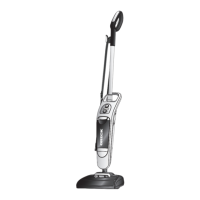
Operating the Oreck Grab-It & Steam-It
™
1
2
4
5
3
2
3
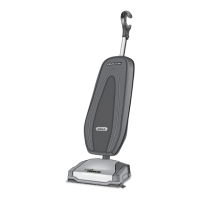
Up-Position Lock - Place foot on power head
and lean handle back gently to release lock for use.
Return handle to the full upright position to engage
lock.
Cord Dump - To release cord, twist cord dump 1/2
turn. Slide cord off handle.
Carry Handle - Carry Handle is located on the
back of the appliance for easy lifting, carrying, and
steaming stairs.
Easy Power Cord Storage -Turn Cord Dump
to the up position, wrap power cord around Cord
Dump and lower cord bracket located below the
Carry Handle.
Microfiber Steam Mop Pad Holder- To attach or
release the microber steam mop pad holder, place
foot on release pedal and gently push down, then:
a. To attach the Grab-It & Steam-It’s microber
st eam mop pad holder, lower the p owe r h ea d
onto the microber steam mop pad holder.
b. To remove the Grab-It & Steam-It’s microber
steam mop pad holder, lift the
Grab-It & Steam-It ™ appliance away from the
microber steam mop pad holder.
5
4
1
6
7
6 7
b
a
Power Head
Connector
Tab
Receiving
Port
Cord Clip
Release Pedal


 To Next Page
 Loading...