12
Starting the Accompaniment with an Introduction
Any of your instrument accompaniment patterns can be started with an appropriate
introduction by pressing the [INTRO/FILLIN] button directly.
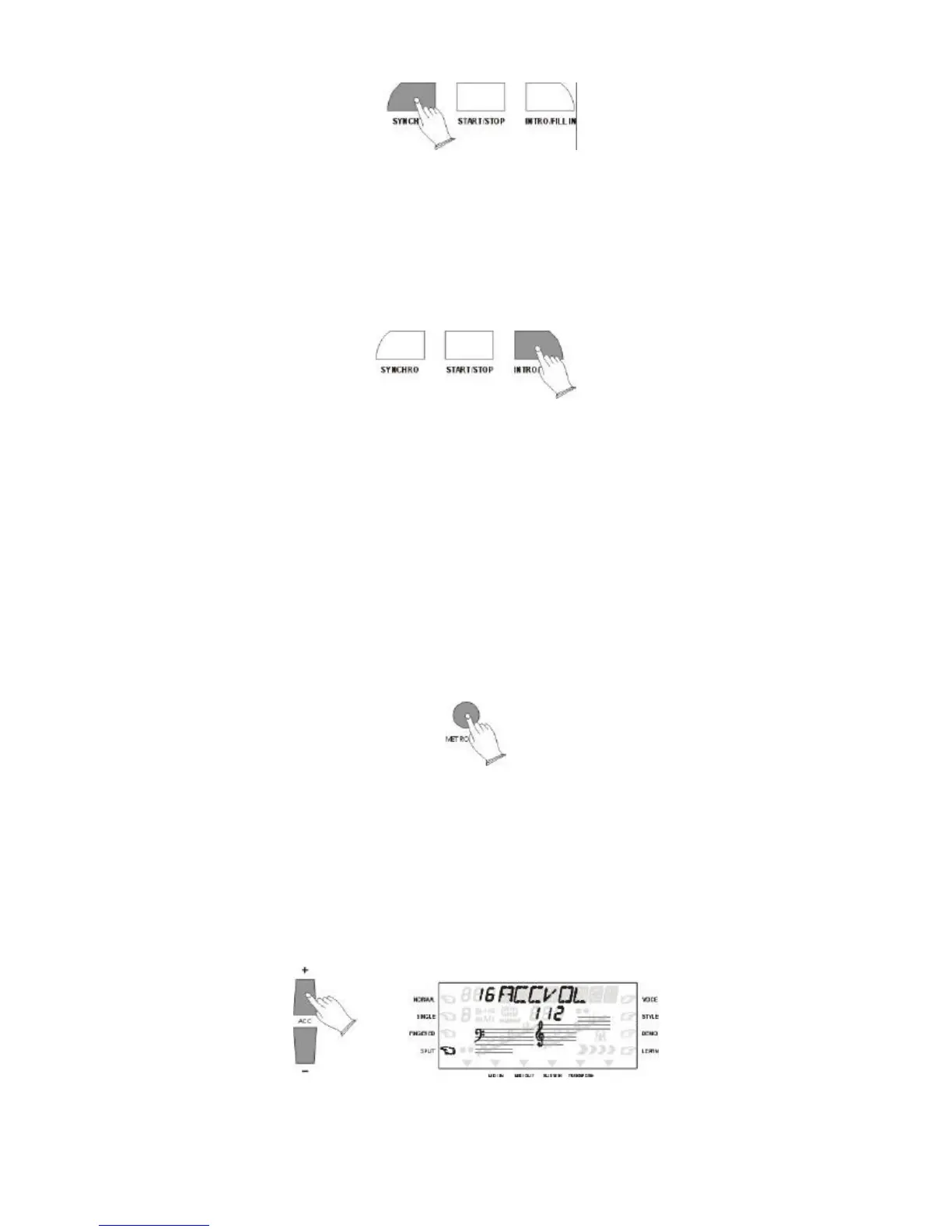
If you press the [SYNCHRO] button and then the [INTRO/FILL IN] button, the
accompaniment will start from the introduction as soon as a chord is detected in the AUTO
ACCOMPANIMENT section of the keyboard.
Fill-In
Press the [INTRO/FILL IN] button at any time while the accompaniment is playing to add a
one-measure fill-in .
If you hold the [INTRO/FILL IN] button , the fill-in pattern will repeat until the button is
released , then the MAIN section will play from the beginning of the next measure.
METRONOME button
Your instrument include a metronome (tick) function which you will use primarily
when using Auto Accompaniment, the metronome will sound at the currently tempo.
Using the number buttons and [+/-] buttons can to select the Metronome types(01 to 08).
4. ACCOMPANIMENT VOLUME
The [ACC+/-] buttons can be used to adjust the volume of the selected accompaniment .
Press the [ACC+/-] buttons. The current accompaniment volume value will appear on the
MULTI DISPLAY.
Use the [ACC+/-] buttons to set the desired volume. The volume range is from 01 (no sound)
to 16 (max volume). The default volume value (13) can be recalled instantly by pressing both
the [ACC+/-] buttons at the same time.



 To Next Page